
Chapter 19
Purchase orders & goods receipt
Document the purchase before the invoice: a purchase order to the supplier → a goods receipt when the goods arrive → a purchase invoice when their invoice arrives. The order is a commitment only: no entry, no stock.
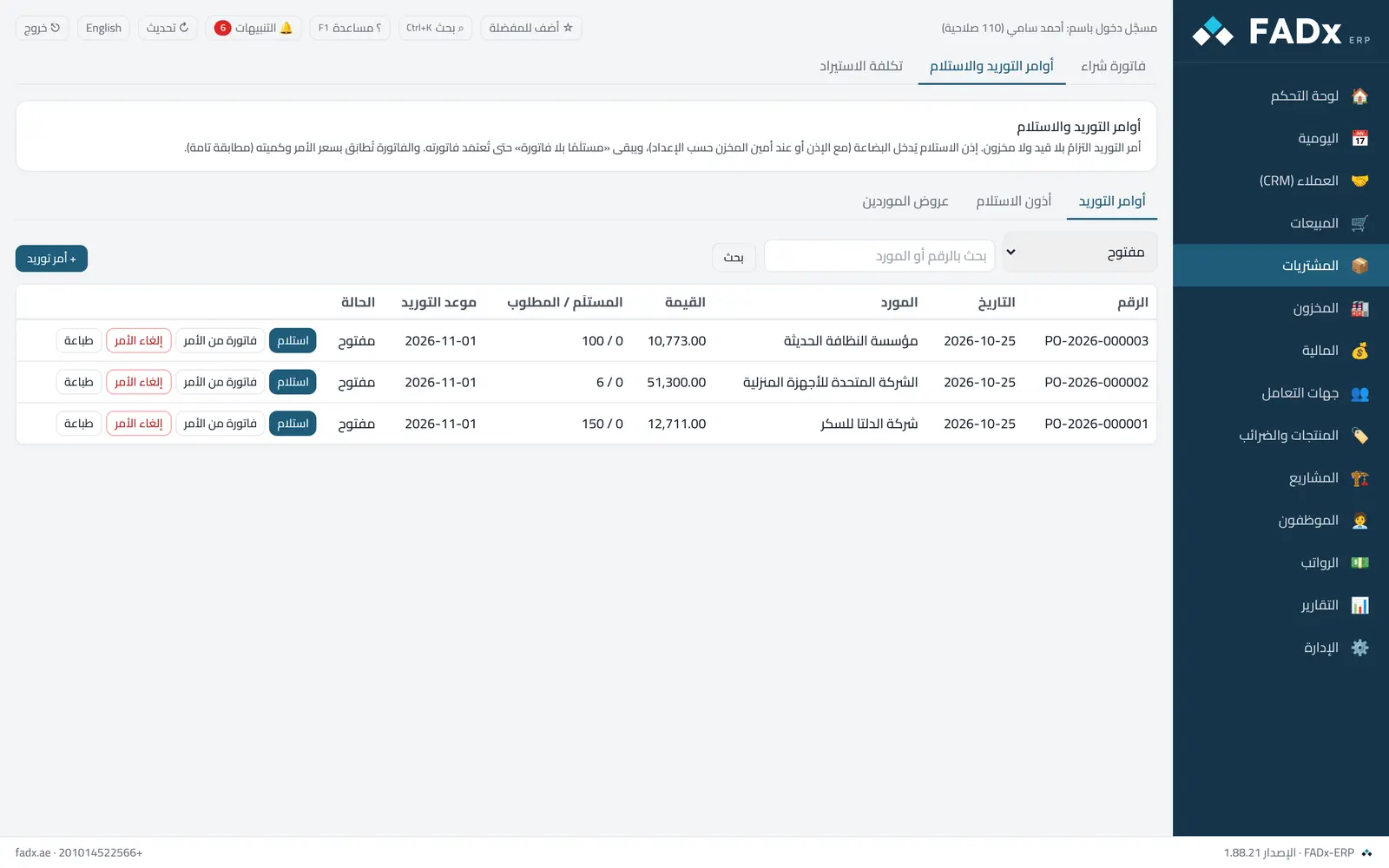
A goods receipt brings stock in and stays "received not invoiced" — a liability to the supplier in the goods-received-not-invoiced account — until their invoice is approved and it closes.
The "supplier quotes" tab compares supplier prices for an item and generates purchase orders from the chosen quotes — one order per supplier.
Common workflows
- 1
A purchase order
"+ Purchase order" → supplier, items, prices and delivery date → "Save and approve". Or from supplier quotes: tick the quotes, then "Generate purchase orders".
- 2
Staged receipt
From the open order choose "Receive" and enter what arrived now; the rest stays on the order, and the order marks itself fully received.
- 3
Invoicing
From the goods receipt choose "Invoice", or from the order "Invoice from order" and it receives as an ordinary purchase invoice.
Messages you may see — and what to do
- "Differs from the order price by more than the tolerance"
The invoice is matched to the order on price and quantity. Correct the invoice, or have it approved by someone with the override permission — which is logged. The tolerance is set under Settings → Sales and purchasing.
- "The storekeeper has not entered it yet"
In storekeeper mode, invoicing comes from the receipt — perform the receipt under stock operations, then invoice.
- "A partially received order cannot be cancelled"
Reverse the goods receipt first if it was a mistake.
Question not covered here? Message us on WhatsApp and we will answer.
Ask on WhatsApp