
Chapter 17
Recording a payment
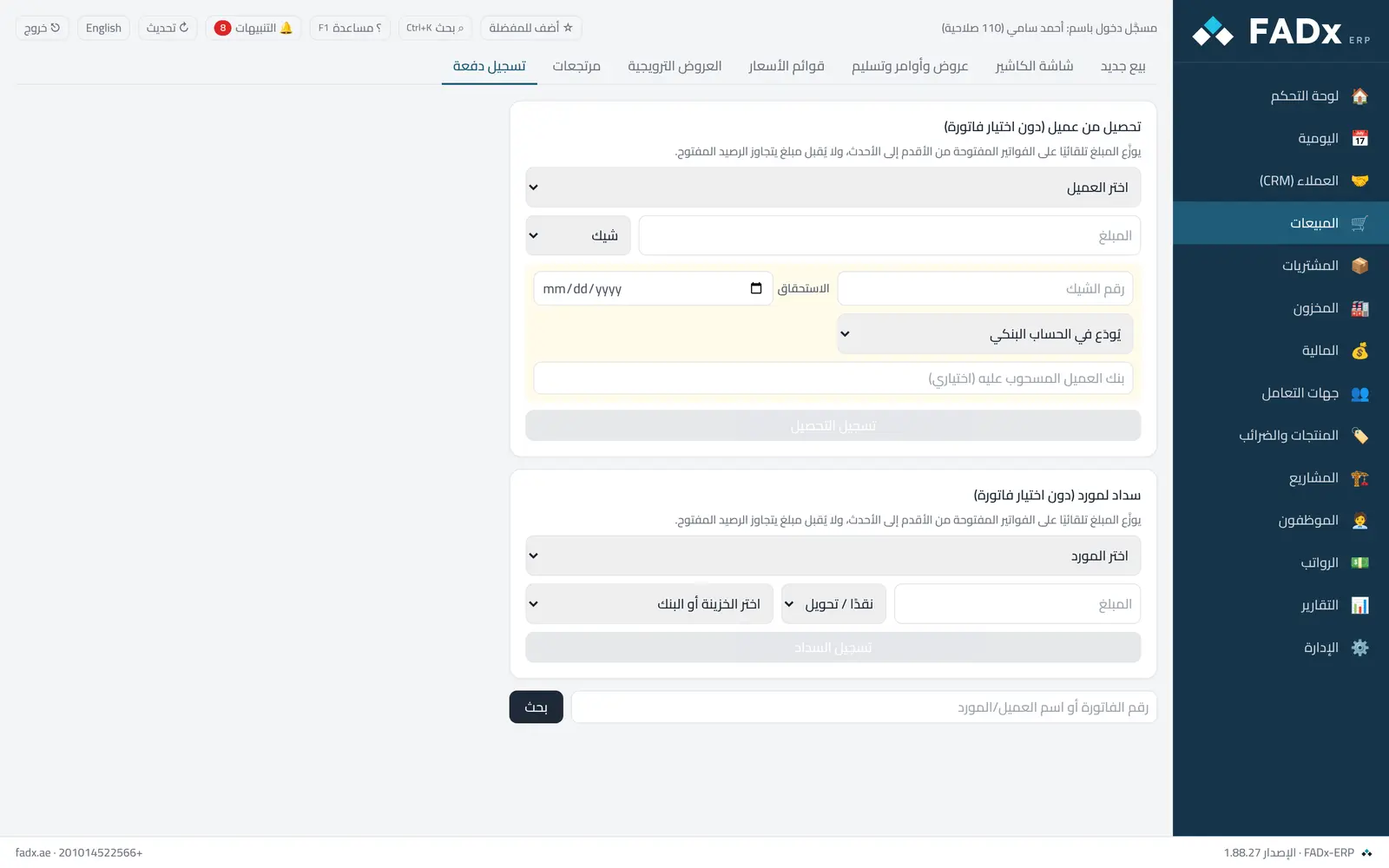
Record a collection from a customer or a payment to a supplier against an invoice or an opening balance, in cash or by cheque, allocating the amount across several invoices oldest-first.
Common workflows
- 1
Collect against an invoice
Search by its number or the customer name, enter the amount, and pick the till.
- 2
Collect one amount across several invoices
The system proposes an allocation from oldest to newest.
- 3
Paying by cheque
Choose "cheque" and enter its details; it is then tracked from the cheques screen through to clearing.
- 4
By cheque without picking an invoice
Collect from a customer or pay a supplier → payment method "Cheque": the cheque amount is allocated to the open invoices oldest-first. A supplier cheque is taken from a leaf in the cheque book.
- 5
Pay a supplier without an invoice
Record payment → "Pay a supplier" in cash, by bank or by cheque, allocated to their invoices oldest-first — the counterpart of customer collection.
- 6
Project receipts and the cash screen
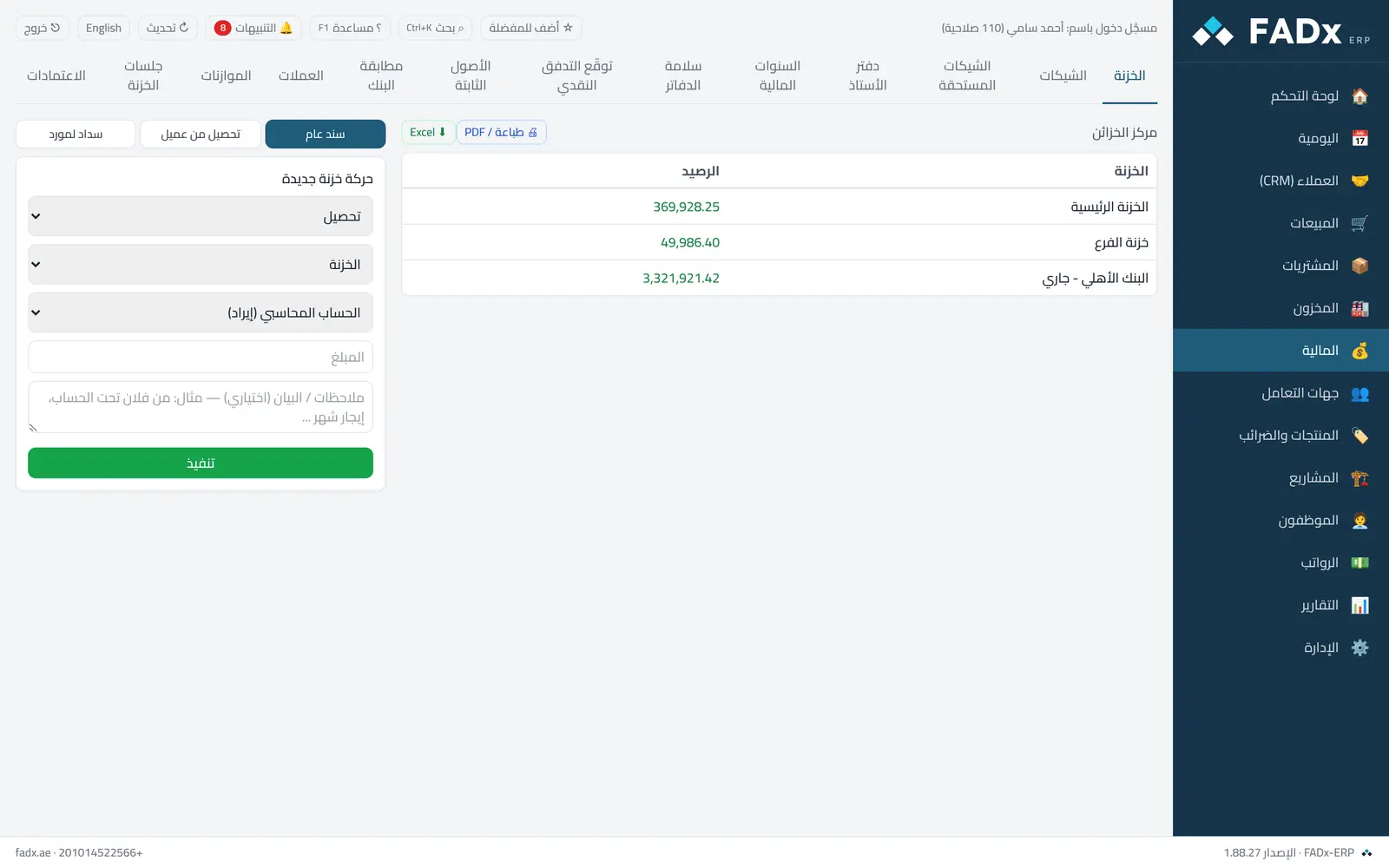
Project receipts accept cheques too, and the cash screen has "collect from customer / pay supplier" with the same options.
Messages you may see — and what to do
- "The amount exceeds what remains on this invoice"
Enter the remaining amount, or allocate the excess to another invoice.
- "Insufficient cash balance"
When paying a supplier: transfer into it from another till first.
- Payment against an unapproved document
Payments can only be made against approved documents.
Question not covered here? Message us on WhatsApp and we will answer.
Ask on WhatsApp