
Chapter 34
Customers & suppliers
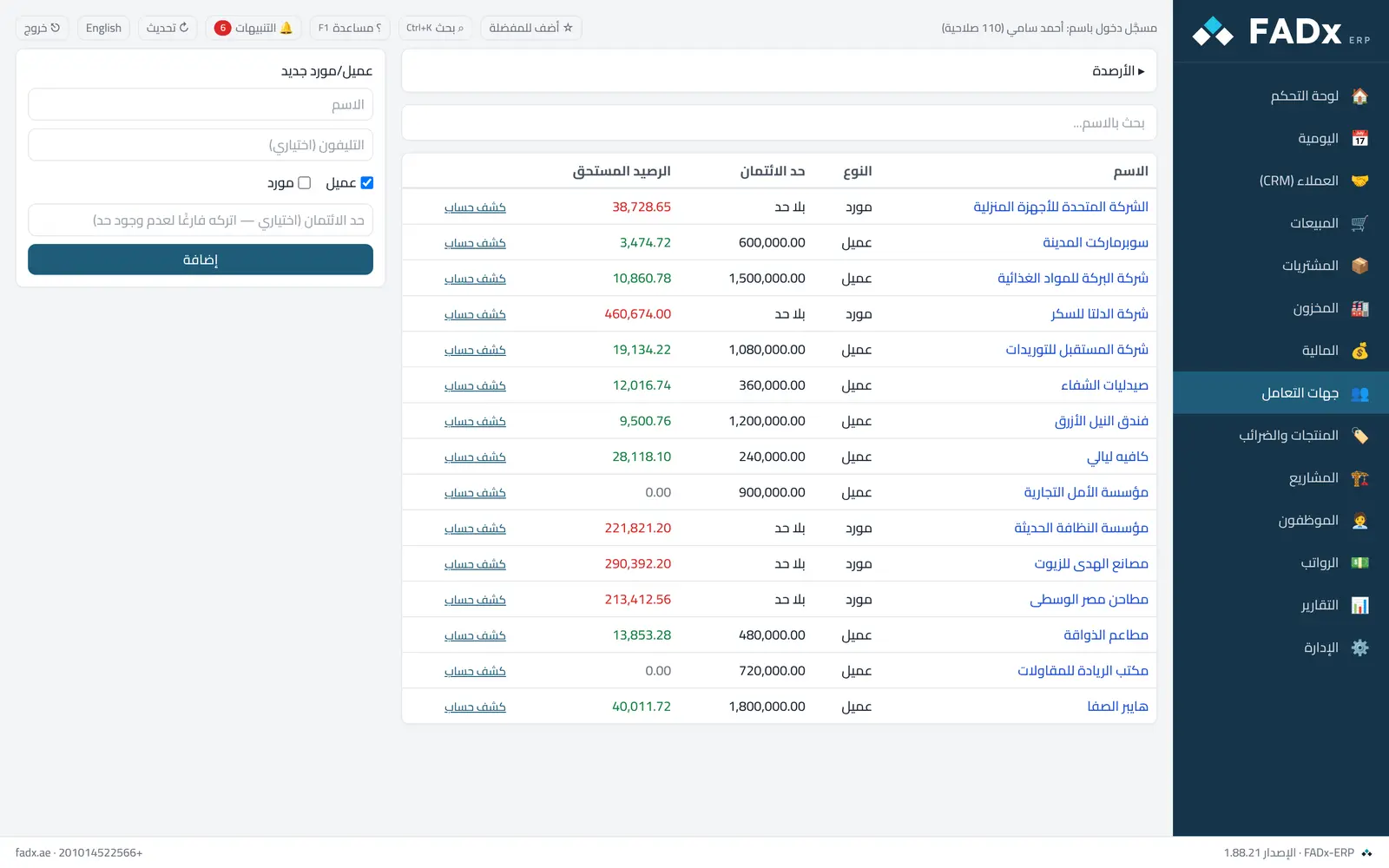
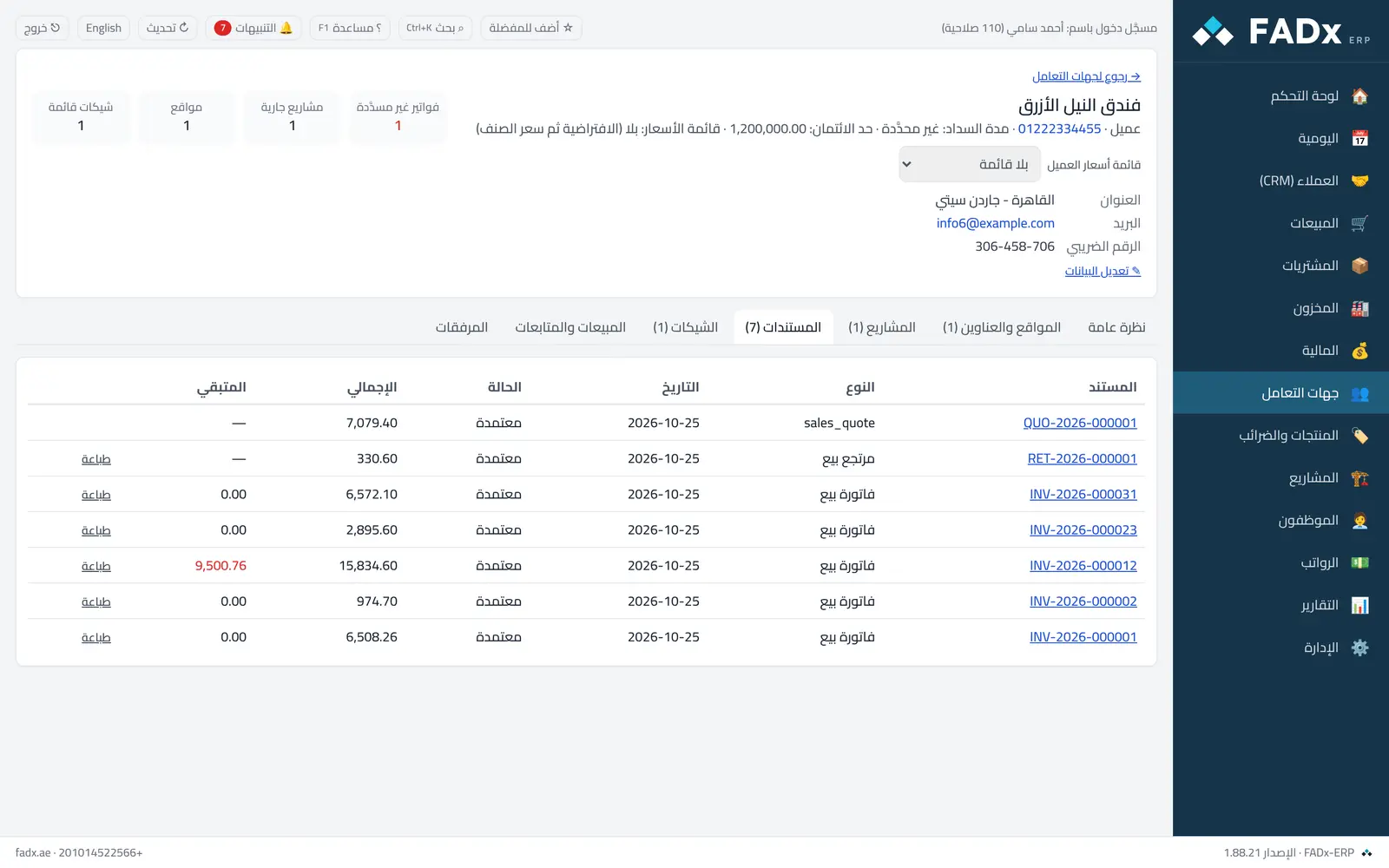
The list of customers and suppliers with their balances, and a complete file per party: balance, invoices, projects, cheques, statement and opening balances. A balance owed to you shows in green, owed by you in red.
Common workflows
- 1
Add a customer or supplier
From the form — name, phone, credit limit and payment terms.
- 2
A statement for a period
"Statement" next to the name → pick from/to → print or Excel.
- 3
An opening balance
Open the party file → "+ Opening balance". For many at once: Master data → Import from Excel → "Party opening balances".
Messages you may see — and what to do
- "… already has an opening balance"
One balance per party on each side — to correct it, reverse it from the Journal and enter it again.
- "Will be recorded without a journal entry…"
The opening capital account is not linked — link it under Settings → Accounting and cash, then complete from the ledger integrity screen.
- The name is taken
Each party needs a distinct name.
Question not covered here? Message us on WhatsApp and we will answer.
Ask on WhatsApp