
Chapter 35
Items & taxes
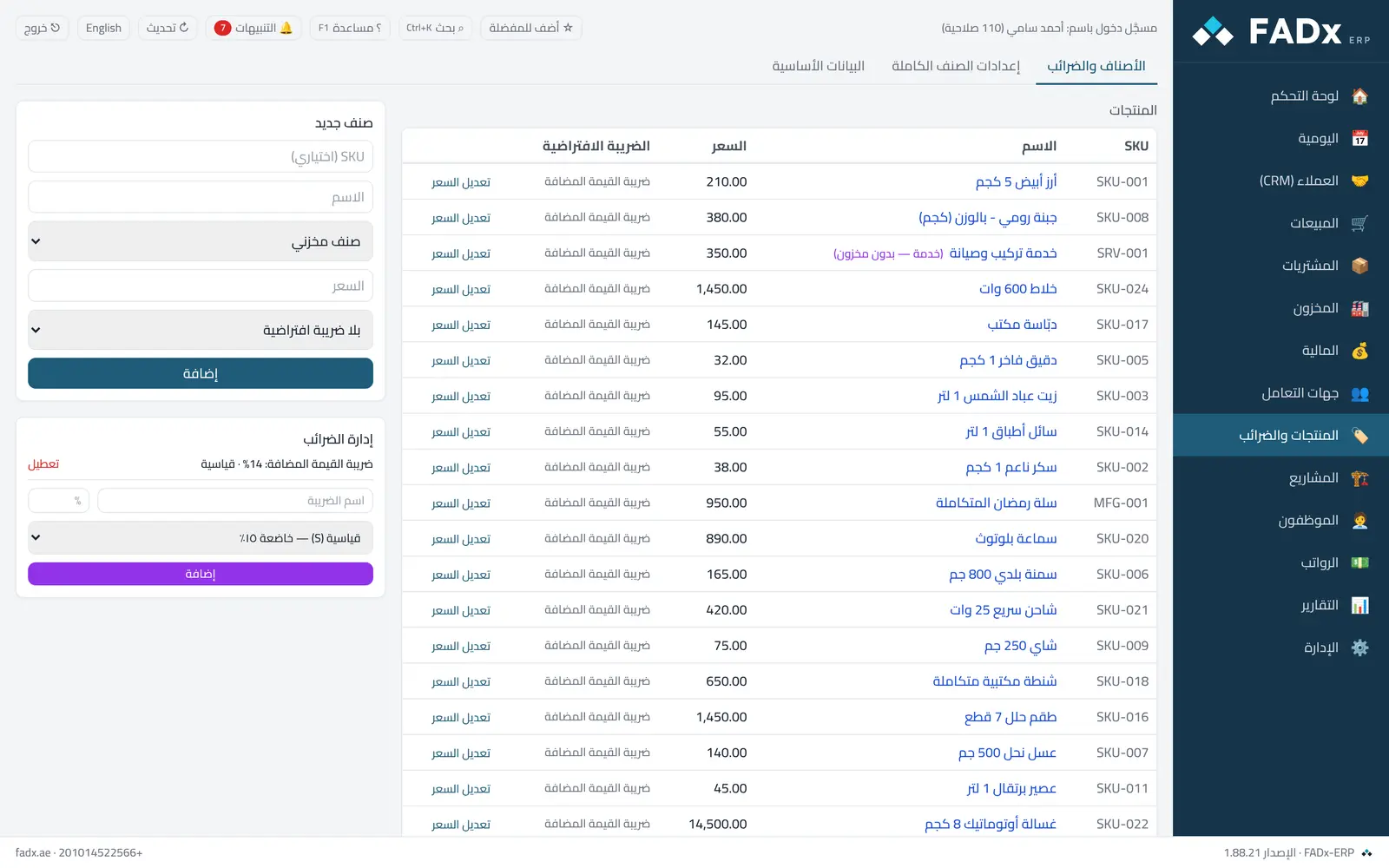
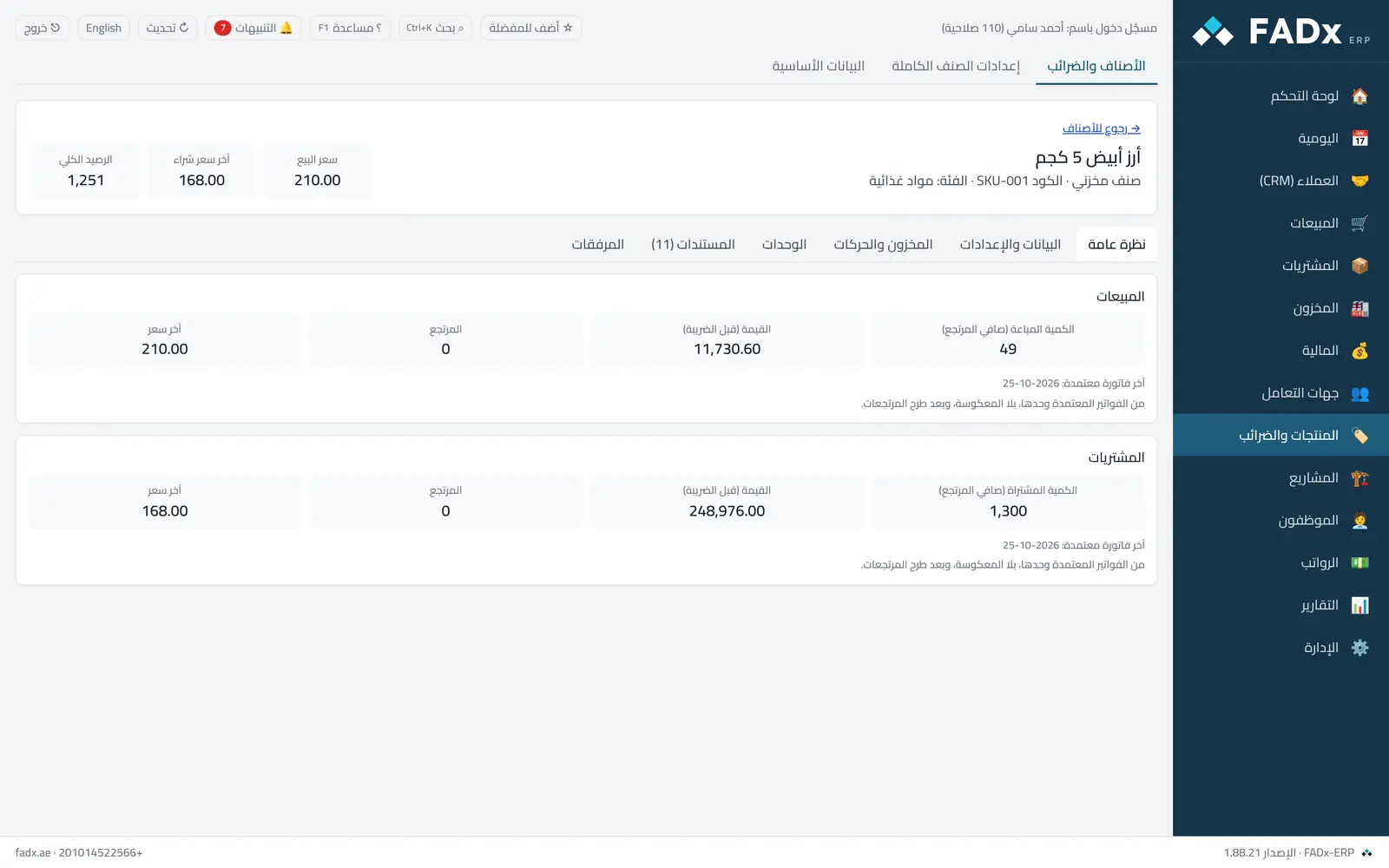
Items and services with their prices and taxes, and a file per item: settings, stock, movements, units and invoices.
FADx ERP 1.88.31
Common workflows
- 1
Add an item
Name, code, barcode, selling and purchase price, and the reorder alert level.
- 2
Selling units (carton/piece)
The item file → "Units" → add the unit, how many pieces it holds, and its barcode.
- 3
Import many items
Master data → "Import from Excel" → download the template and fill it in.
FADx ERP 1.88.31
Messages you may see — and what to do
- "Code or barcode already in use"
Each item needs a unique code and barcode (and each unit a unique barcode).
- Deleting a used unit
A unit used on an invoice cannot be deleted, nor can the base unit.
- A negative price or limit
Prices and limits are zero or above.
Question not covered here? Message us on WhatsApp and we will answer.
Ask on WhatsApp