
Chapter 18
Purchase invoice
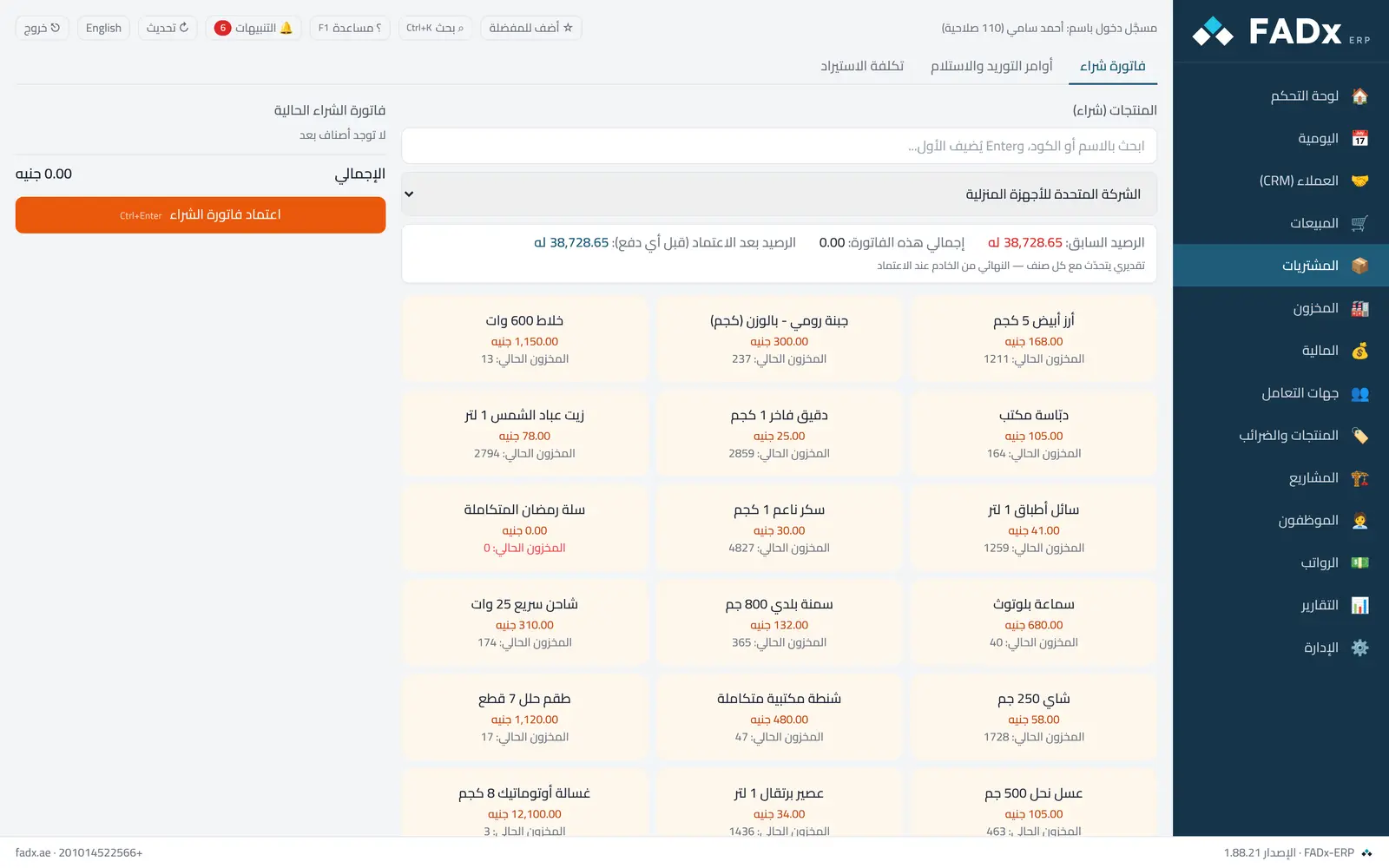
Create a purchase invoice from a supplier. Stock is received on approval or by the storekeeper, depending on the "delivery and receipt" setting.
FADx ERP 1.88.31
Common workflows
- 1
A purchase invoice
Pick the supplier and the warehouse, add the items at purchase prices, and approve.
- 2
Buying by carton
Pick the unit; the cost per piece is computed automatically.
- 3
Recording a purchased device as a fixed asset
After receipt, open the invoice from the Journal → "Fixed asset" → "Record as fixed asset".
Messages you may see — and what to do
- Warning: "price is above the last price"
A warning, not a block — the price has risen above the last purchase from the same supplier by more than the set percentage.
- "Goods-in-transit account is not linked"
Link the purchasing accounts under Settings → Account linking.
- Editing an invoice whose goods were received is rejected
Correct it with a purchase return.
Question not covered here? Message us on WhatsApp and we will answer.
Ask on WhatsApp