
Chapter 6
Journal
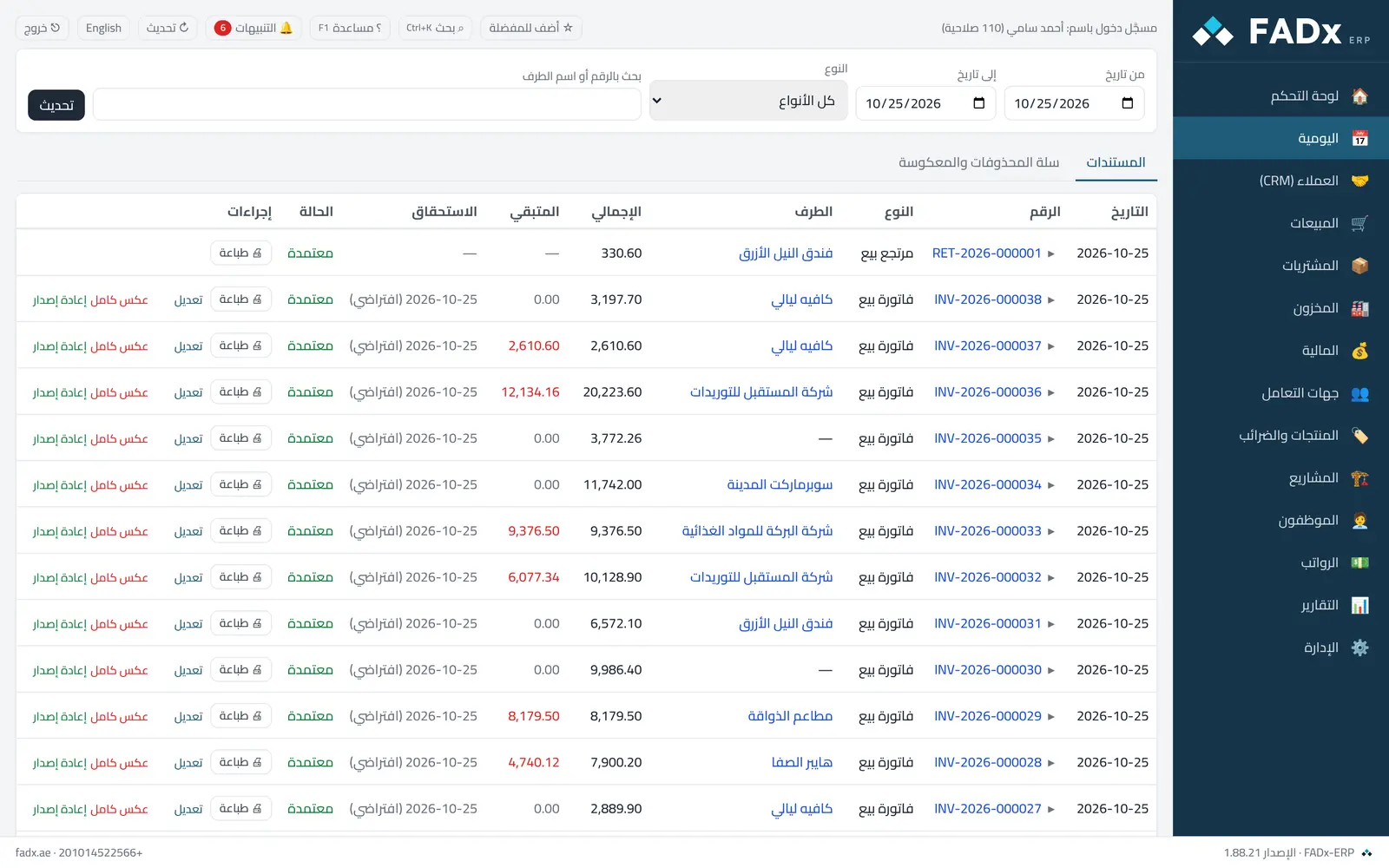
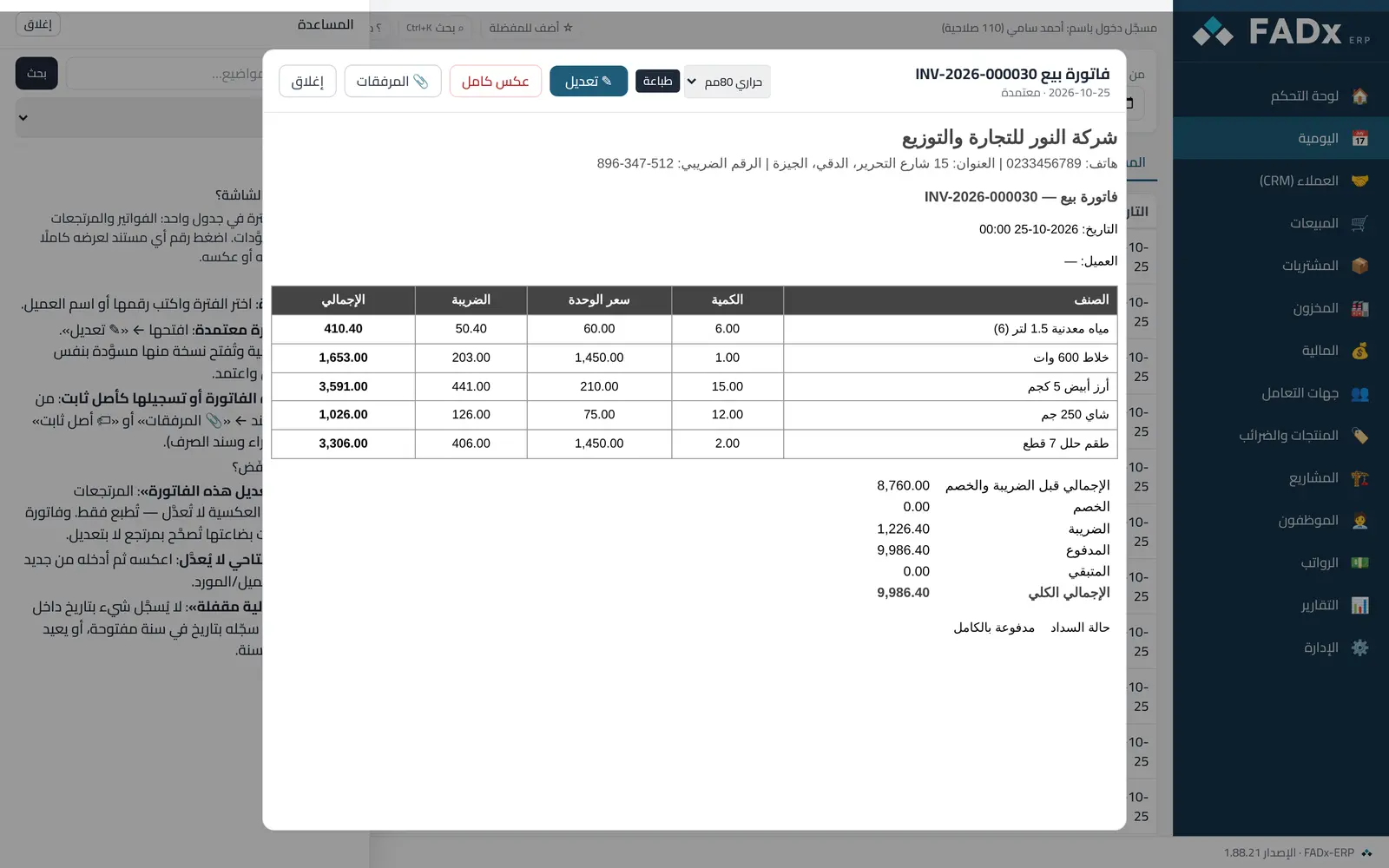
Every document in the period in one table: invoices, returns, vouchers and drafts. Click any document number to view it in full and print, edit or reverse it.
Common workflows
- 1
Find an invoice
Pick the period and type its number or the customer name.
- 2
Edit an approved invoice
Open it → "Edit": the original is reversed and a draft copy opens with the same data; change it and approve.
- 3
Attach an image or record as a fixed asset
From the document window → "Attachments" or "Fixed asset" (for a purchase invoice or a payment voucher).
Messages you may see — and what to do
- "This invoice cannot be edited"
Returns and reversing documents cannot be edited — only printed. A purchase invoice whose goods were received is corrected with a return, not an edit.
- An opening balance cannot be edited
Reverse it, then enter it again from the customer or supplier file.
- "The financial year is closed"
Nothing records with a date inside a closed year. Use a date in an open year, or have the manager reopen the year.
Question not covered here? Message us on WhatsApp and we will answer.
Ask on WhatsApp