
Chapter 27
Cheques
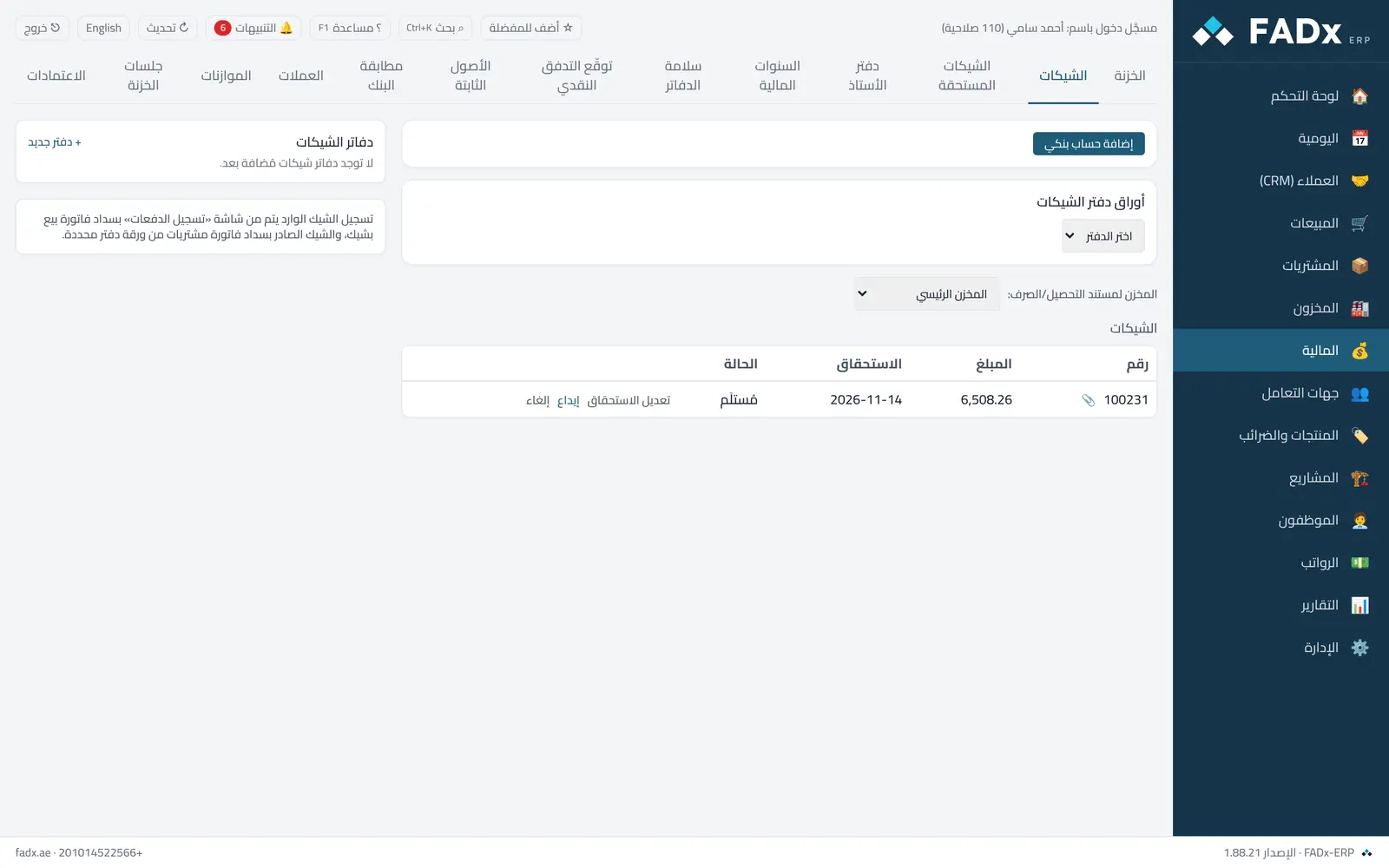
Track incoming cheques from customers and outgoing cheques to suppliers through to clearing or return, plus cheque books and their numbers.
Common workflows
- 1
Deposit an incoming cheque
Select it → "Deposit" into the bank.
- 2
Clear or bounce
When the bank statement arrives, mark the cheque cleared or bounced (a bounce puts the debt back on the customer).
- 3
Receive or issue a cheque from any entry point
From the invoice, a customer collection, a supplier payment, project receipts or the cash screen — all create the cheque here, and cancelling it reverses everything.
- 4
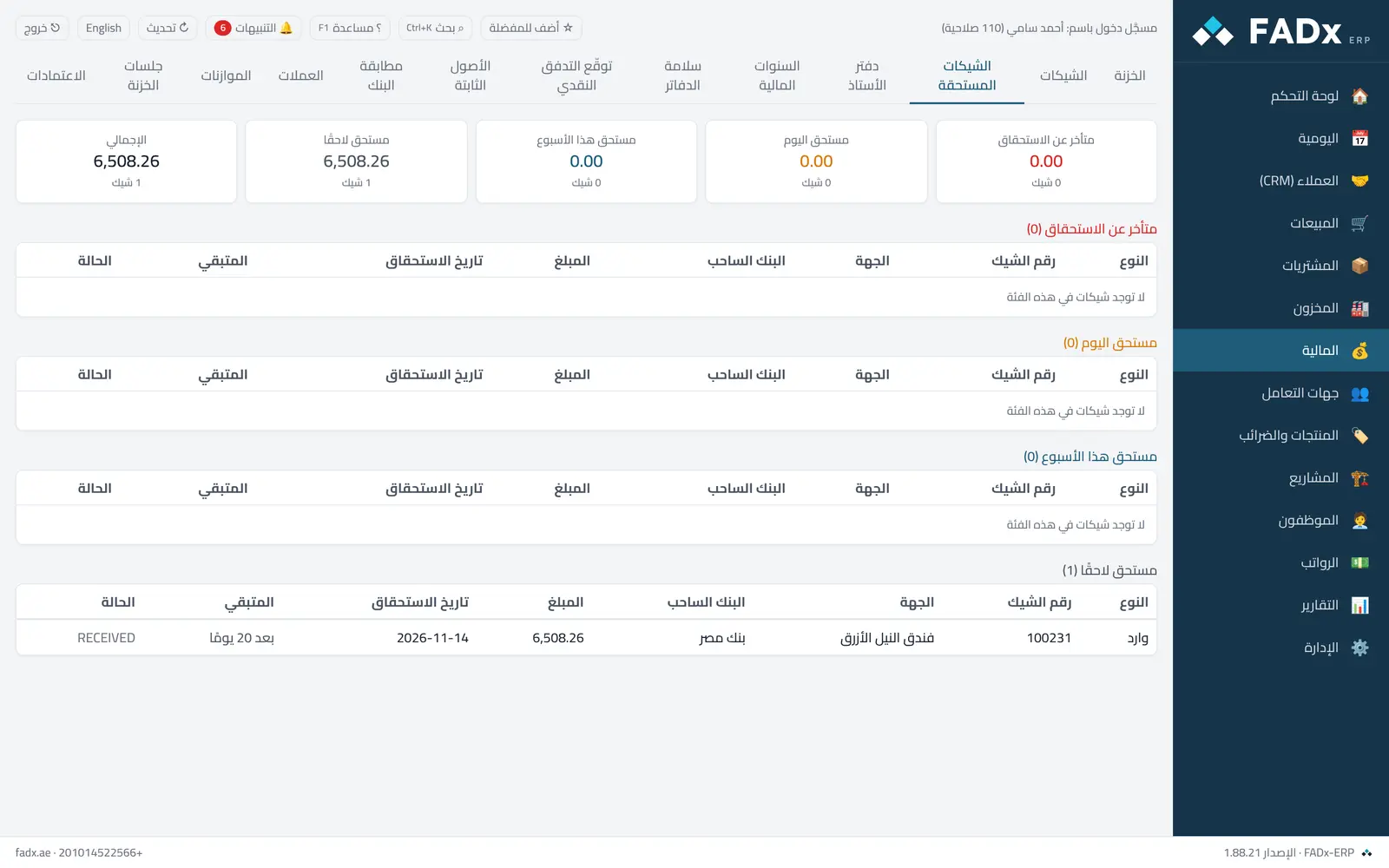
Cheques due this week
The due cheques screen, with a bell alert on the day.
Messages you may see — and what to do
- "Cheque number already used"
Each number in a book is used once.
- "Number cancelled or missing"
Record that number as spoiled — use the next one.
- "Status change not allowed"
For example, a cheque cannot clear before it is deposited, and a cleared cheque's date cannot be changed.
Question not covered here? Message us on WhatsApp and we will answer.
Ask on WhatsApp