
Chapter 31
Budgets
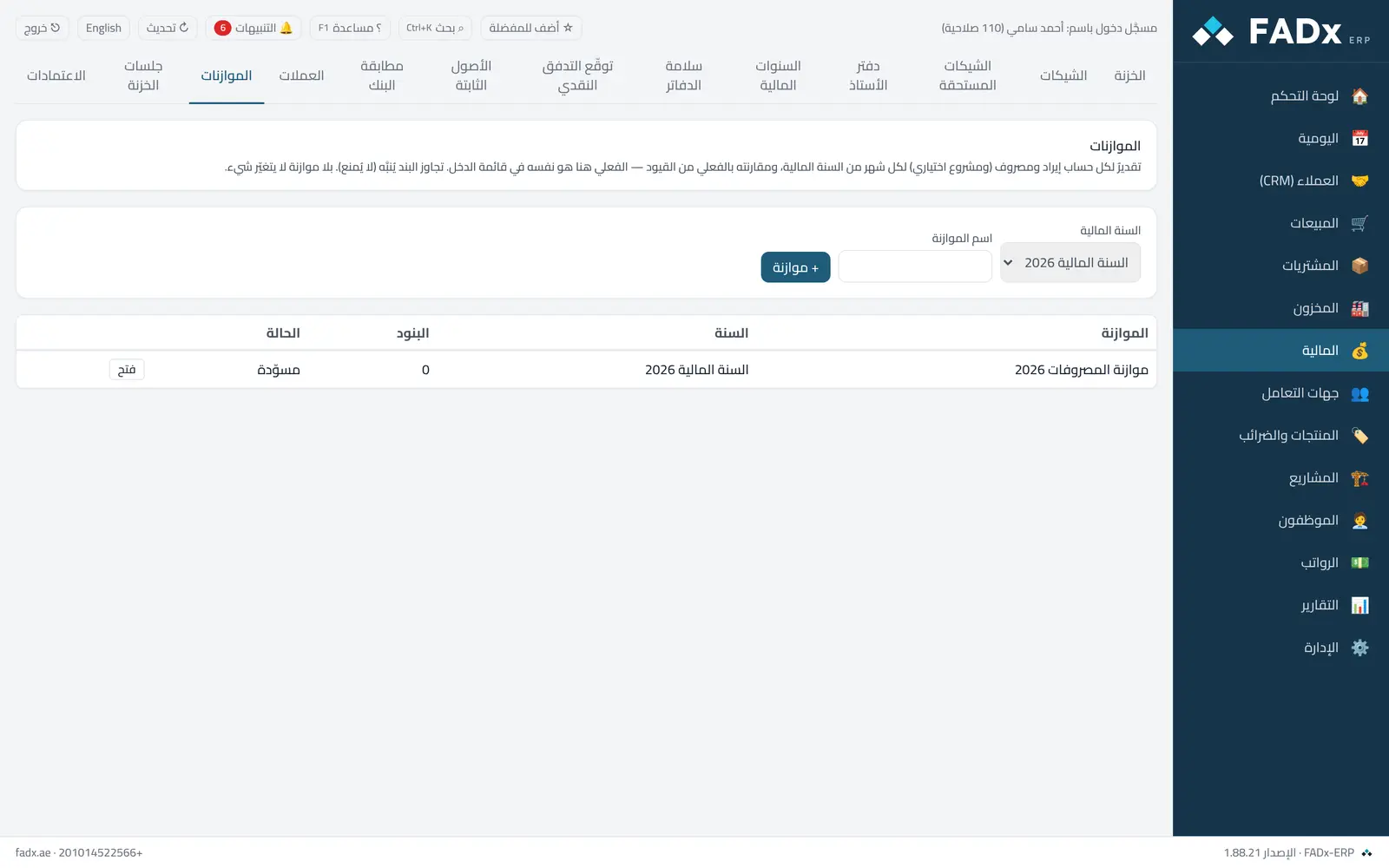
Set an expected amount per month of the financial year for each income or expense account (and per project if you wish), then compare it with actual. Actual is computed from posted entries on the same rules as the income statement, so what you see in the comparison is what the income statement shows for the same period.
Common workflows
- 1
A new budget
Pick the financial year and name it, then add accounts with an annual amount spread evenly across the months (the remainder landing on the last month), or edit any month directly.
- 2
Approval
After review, approve the budget and its lines are frozen. To change it afterwards, copy it into a new budget (with an uplift if you wish).
- 3
Comparison
Budget versus actual on this screen or in the report centre; expenses above budget and income below budget are flagged as overruns.
Messages you may see — and what to do
- "The budget is approved — lines cannot be edited"
Approval freezes it deliberately; copy it into a new budget.
- "Not an income or expense account"
Budgets are for income statement lines only, and on a postable sub-account.
- "Percentages must be positive and total 100"
In percentage-based distribution.
- The overrun alert is a notice, not a block
It never stops an invoice or a payment.
Question not covered here? Message us on WhatsApp and we will answer.
Ask on WhatsApp