
Chapter 16
Returns
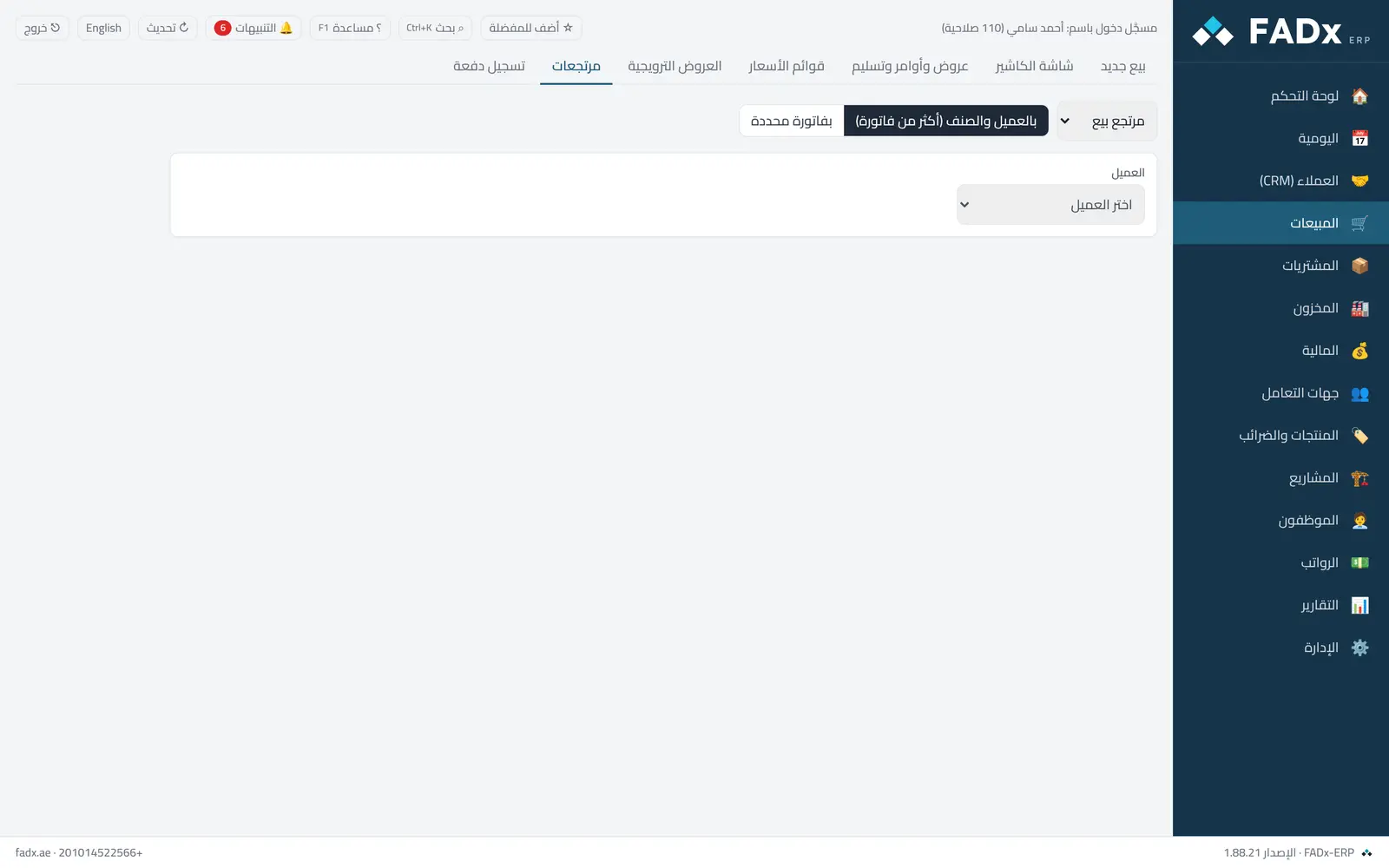
Record a sales return (from a customer) or a purchase return (to a supplier) against an earlier invoice — or a consolidated return spanning several invoices.
Common workflows
- 1
A return on one invoice
Find the invoice, set the returned quantities, and choose a cash refund or an offset against the balance.
- 2
Returning an item bought across several invoices
The consolidated return allocates the quantity across invoices starting from the most recent.
- 3
Returning by carton
An invoice sold by carton is returned by carton; a consolidated return records by the piece.
Messages you may see — and what to do
- "Available to return …"
You cannot exceed what remains on the invoice after its earlier returns.
- "Return window exceeded"
The invoice is older than the allowed return window in settings. Overriding needs permission and is logged.
- "The item was not sold on the original invoice"
Pick the right invoice — a return is tied to the invoice the item left on.
- A reversed or draft invoice
Returns are only possible against an approved invoice.
Question not covered here? Message us on WhatsApp and we will answer.
Ask on WhatsApp