
Chapter 26
Cash sessions (shifts)
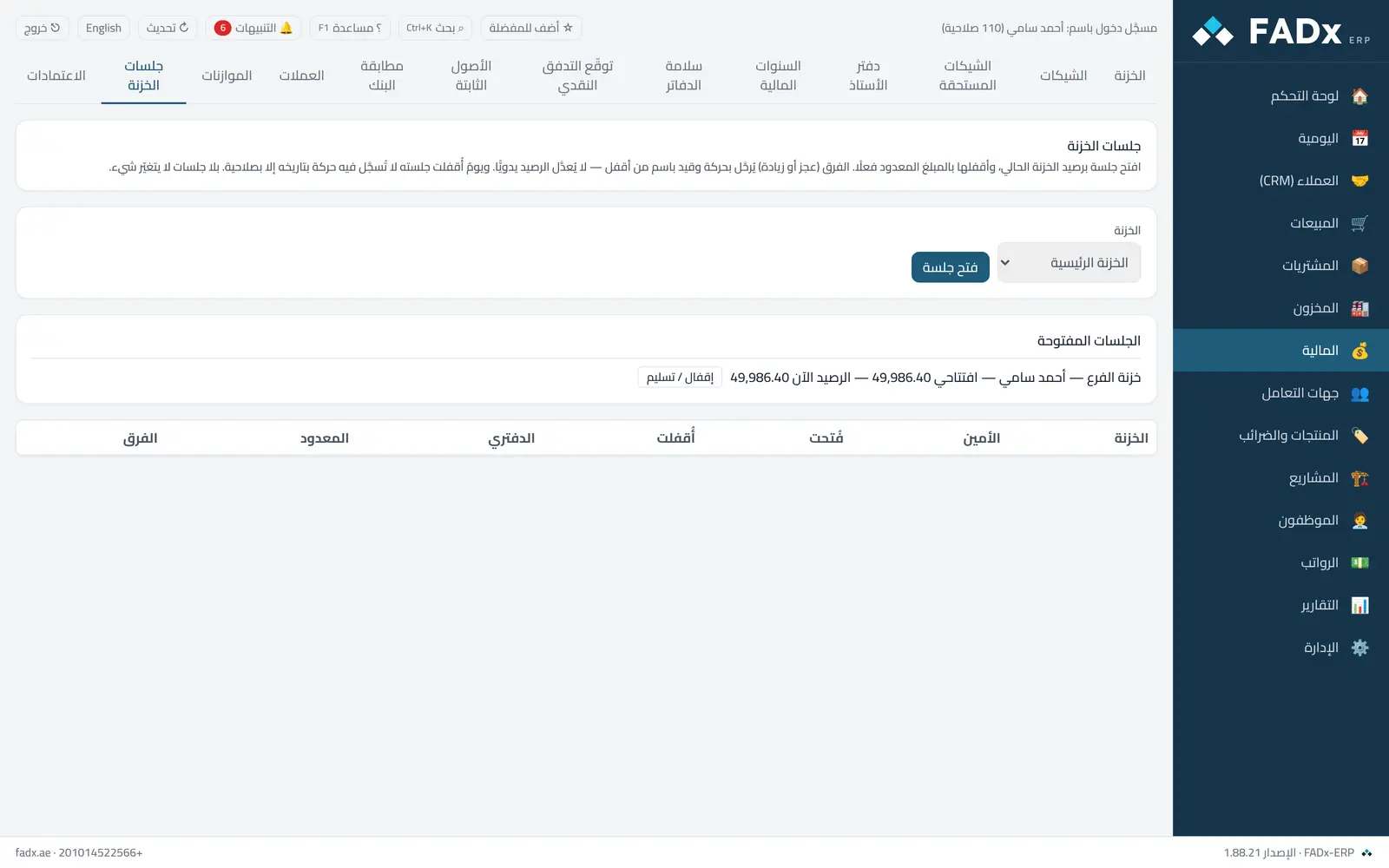
Control cash custody: the attendant opens a session and the till balance at that moment is recorded as the opening float (never typed by hand); at close the cash is physically counted. The difference between counted and book is posted as a movement and an entry to the cash over/short account in the name of whoever closed it — the balance is never edited by hand to match the box.
Common workflows
- 1
Open a session
Pick the till and press "Open session".
- 2
Close by count
Enter the counted amount (or count by denomination) and press "Close". Any variance appears in the cash variance by cashier and period report.
- 3
Handover
When the attendant changes, choose "hand over to" during closing; the session closes and the receiver's session opens in one step.
Messages you may see — and what to do
- "The till has an open session"
Only one open session per box; close it or hand it over first.
- "Day … is closed for this box"
A movement dated on a day whose session is closed needs the closed-day permission and is logged, or date it today.
- "Requires approval"
A variance above the approval threshold in settings is sent to the approver; re-close with the same count once approved.
- "Denominations do not equal the counted amount"
Correct the count.
- Foreign currency boxes
Sessions are not available for these at present.
Question not covered here? Message us on WhatsApp and we will answer.
Ask on WhatsApp