
Chapter 9
The 360° customer card & converting an opportunity
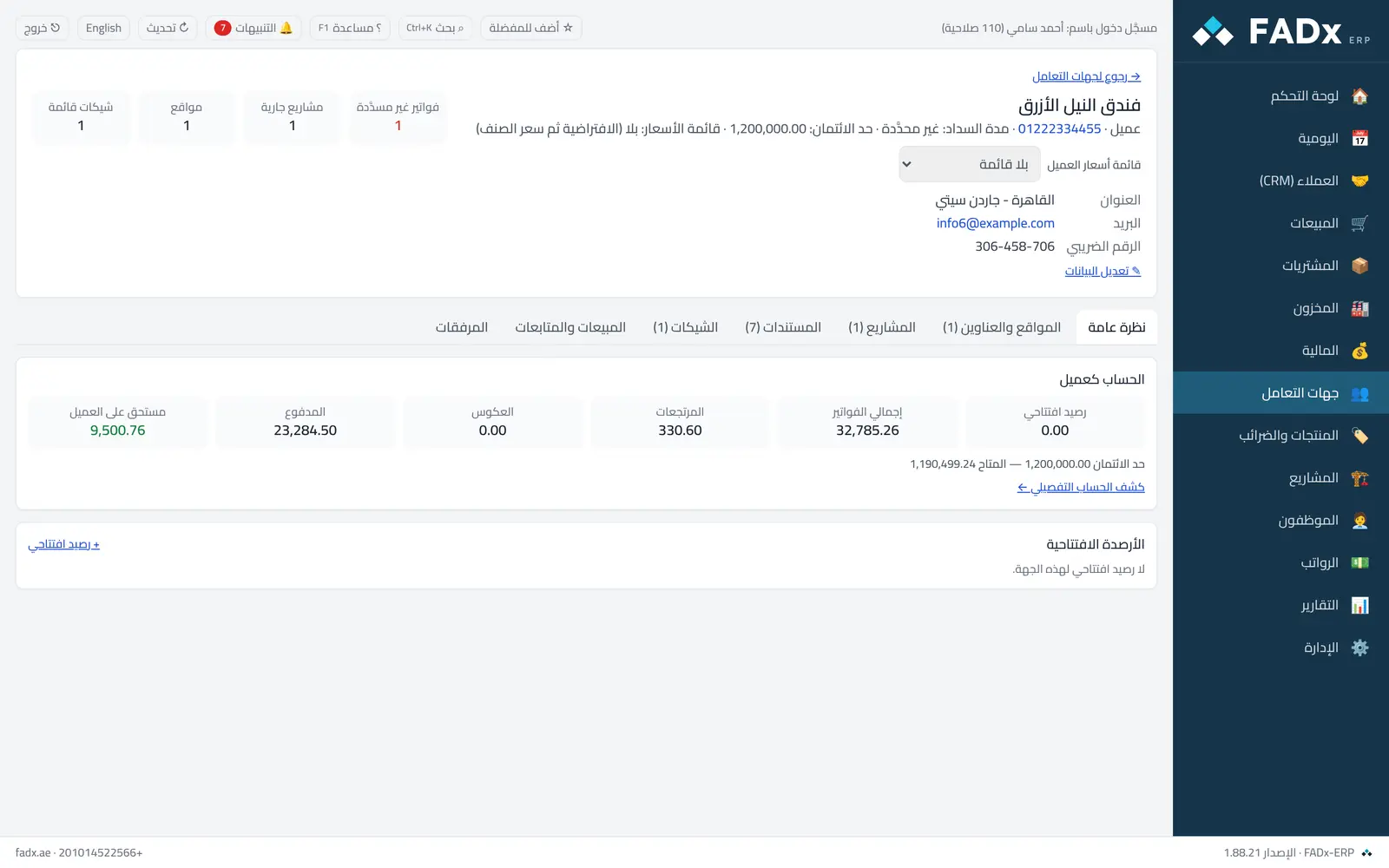
Open any customer from “Parties” and you will find a “Sales and follow-ups” tab gathering their opportunities and activities in one place — beside their invoices, cheques and balances. From a won opportunity you press “convert to sale” to go straight to creating the invoice.
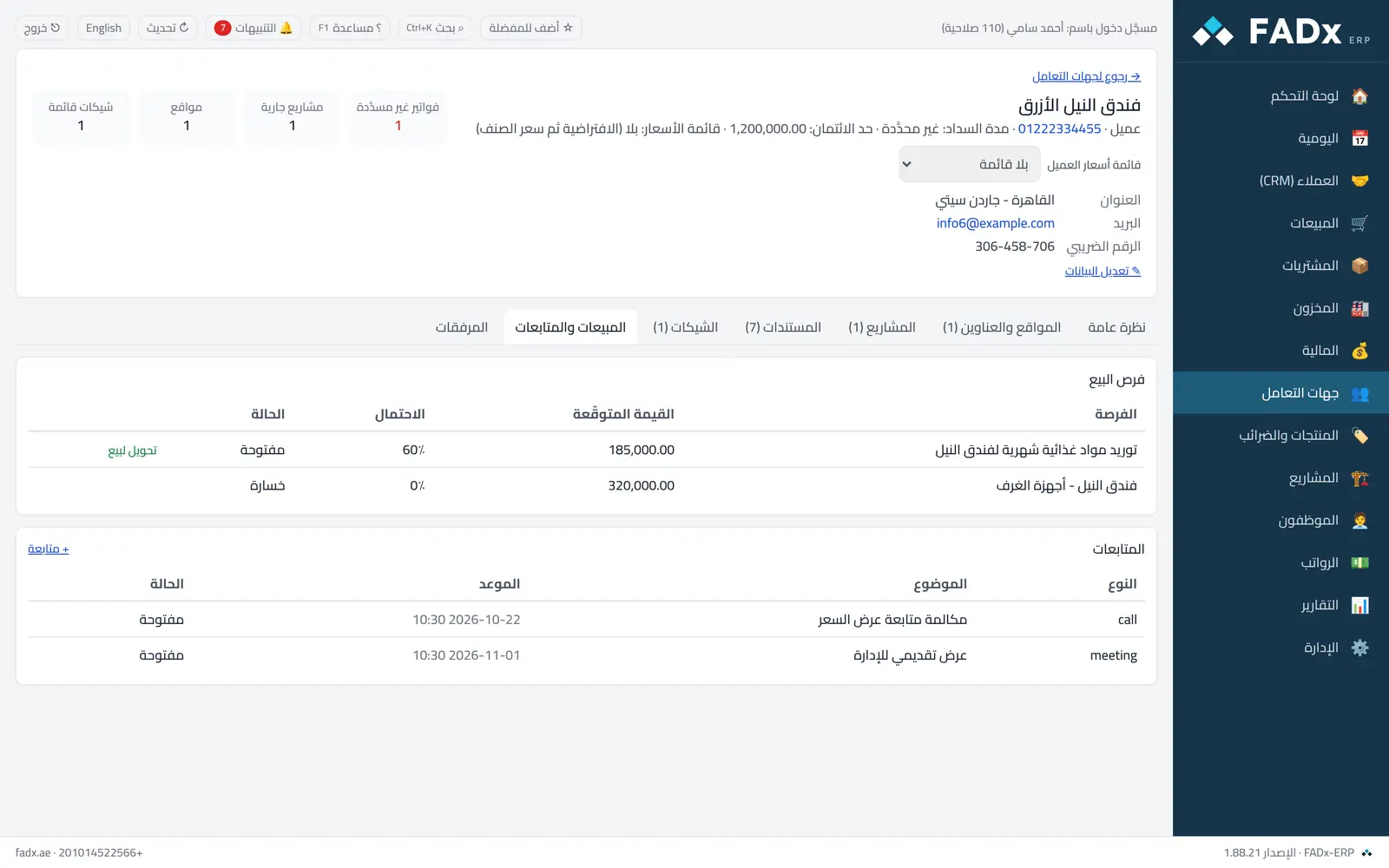
Converting records a note on the opportunity and keeps its history — you then complete the invoice from the sales screen as usual.
The card’s data shows for whoever holds the customer view permission and crm.view.
Common workflows
- 1
Open the card
“Parties” → the customer’s name → the “Sales and follow-ups” tab.
- 2
Review the customer’s opportunities
All their opportunities with status and close rate in one table.
- 3
Convert a won opportunity
Press “convert to sale” — it moves to the won stage and takes you to creating the invoice.
- 4
Add a follow-up from the card
The “Follow-up” button records an activity tied to this customer directly.
Question not covered here? Message us on WhatsApp and we will answer.
Ask on WhatsApp