
Chapter 43
E-invoicing — tax categories & reporting
The software supports standard and simplified invoices, and ZATCA’s tax categories: standard, zero-rated, exempt, out of scope — with the mandatory exemption reason for zero-rated and exempt. Credit and debit notes are linked to the original invoice. Reporting runs on a background queue so selling never stalls.
Common workflows
- 1
Set the category on the item
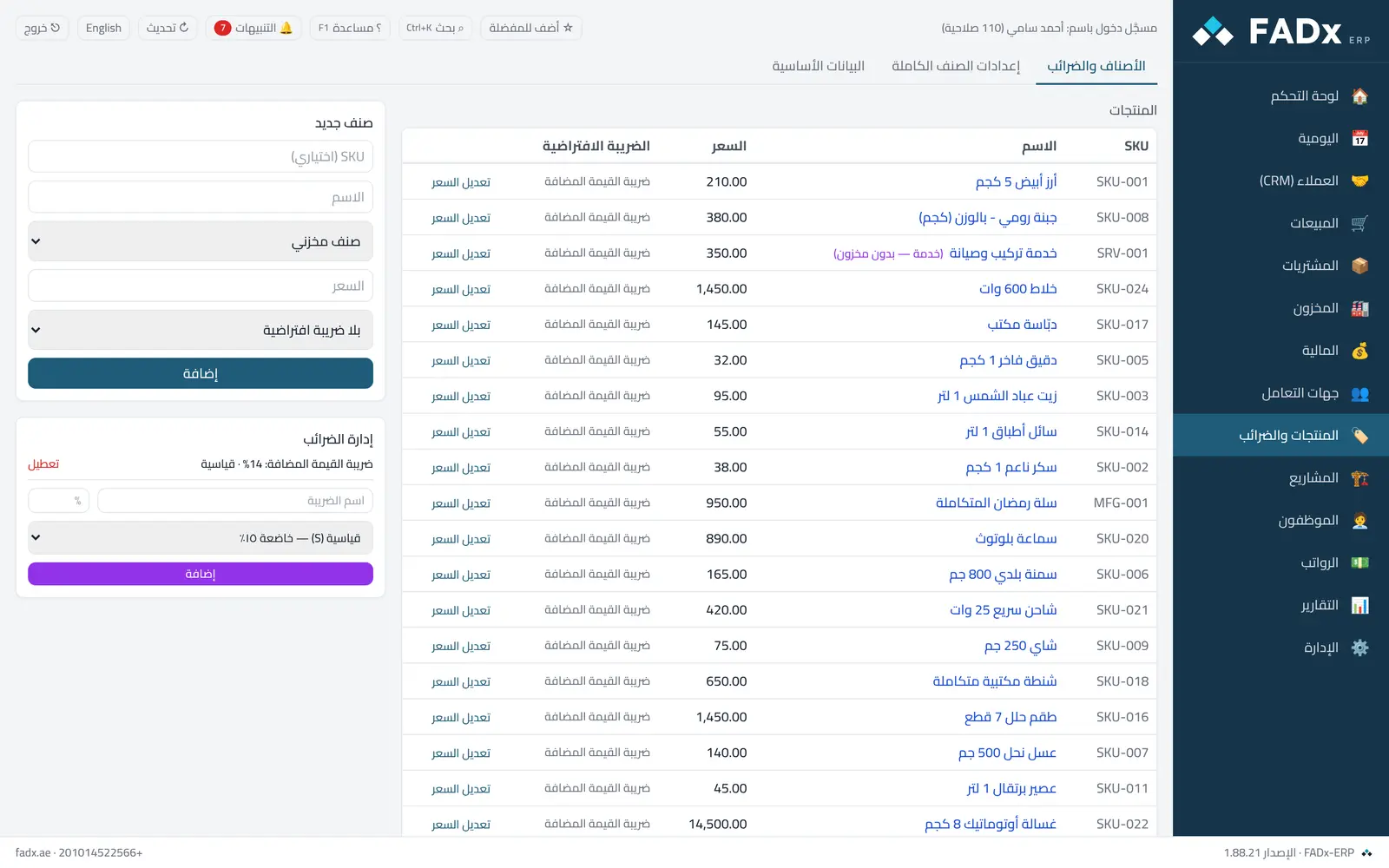
“Products and taxes → Taxes” — when creating or editing a tax, pick ZATCA’s category.
- 2
The exemption reason
For zero-rated or exempt, the software asks for the exemption reason before saving — ZATCA requires it.
- 3
Sending behaviour
Automatic sending is off by default — switch it on after the link is complete and tested.
- 4
Credit and debit notes
Link it to the original invoice number and write the reason for the note.
Messages you may see — and what to do
- A zero-rated or exempt category needs a reason
Write the exemption reason before saving.
- A standard invoice needs a national address for the buyer
Complete the customer’s national address and VAT number before posting.
Question not covered here? Message us on WhatsApp and we will answer.
Ask on WhatsApp