
Chapter 12
Cashier screen & point of sale
Fast retail selling by keyboard and barcode alone: scan the items, press F12 to collect (cash, card, transfer or a mix), and the invoice is approved and printed. It is the same sales invoice with its journal entry and stock movement — the difference is speed, not bookkeeping.
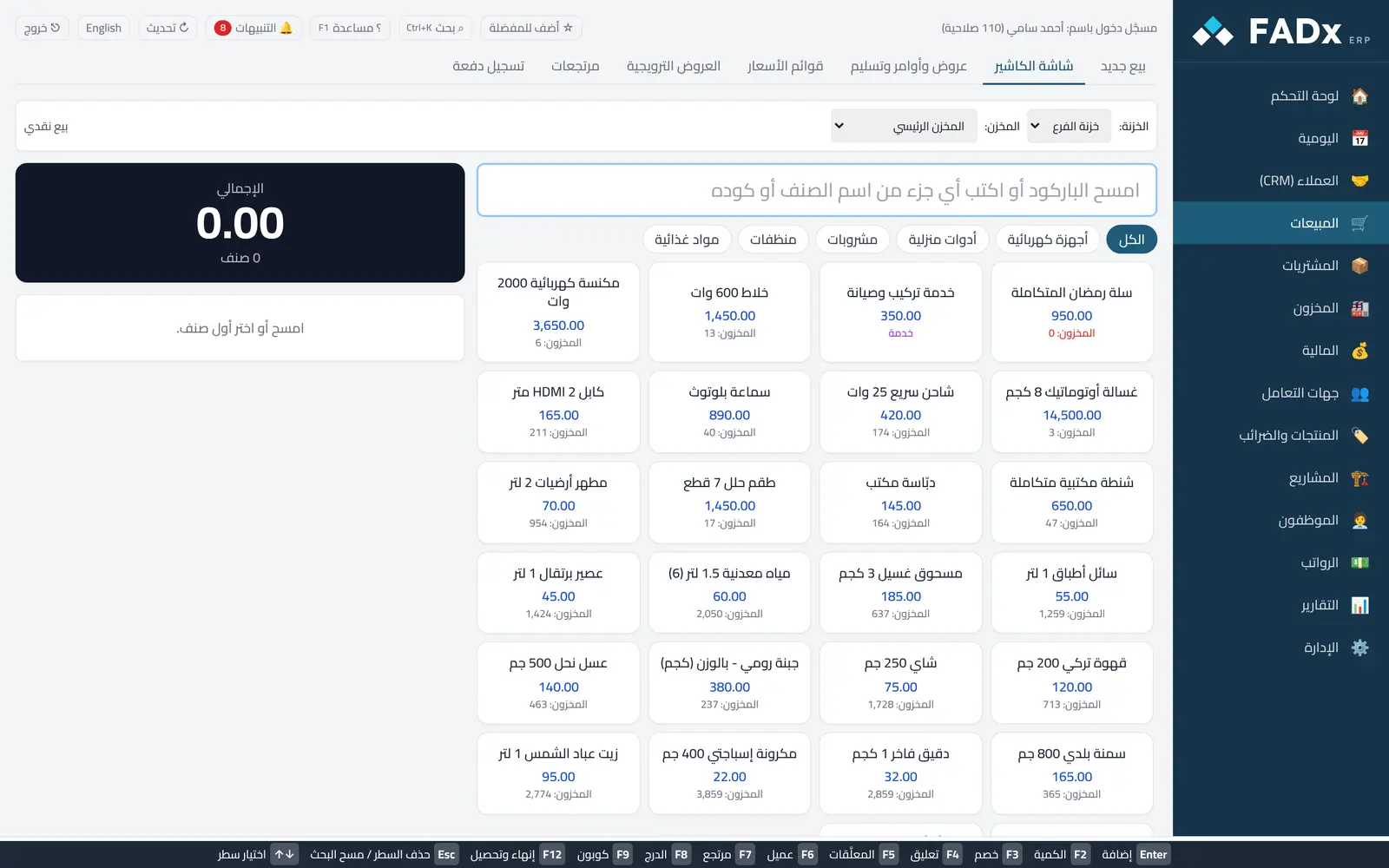
Cash selling at the till happens inside an open cash session. You cannot sell for cash before opening a session.
Common workflows
- 1
An ordinary sale
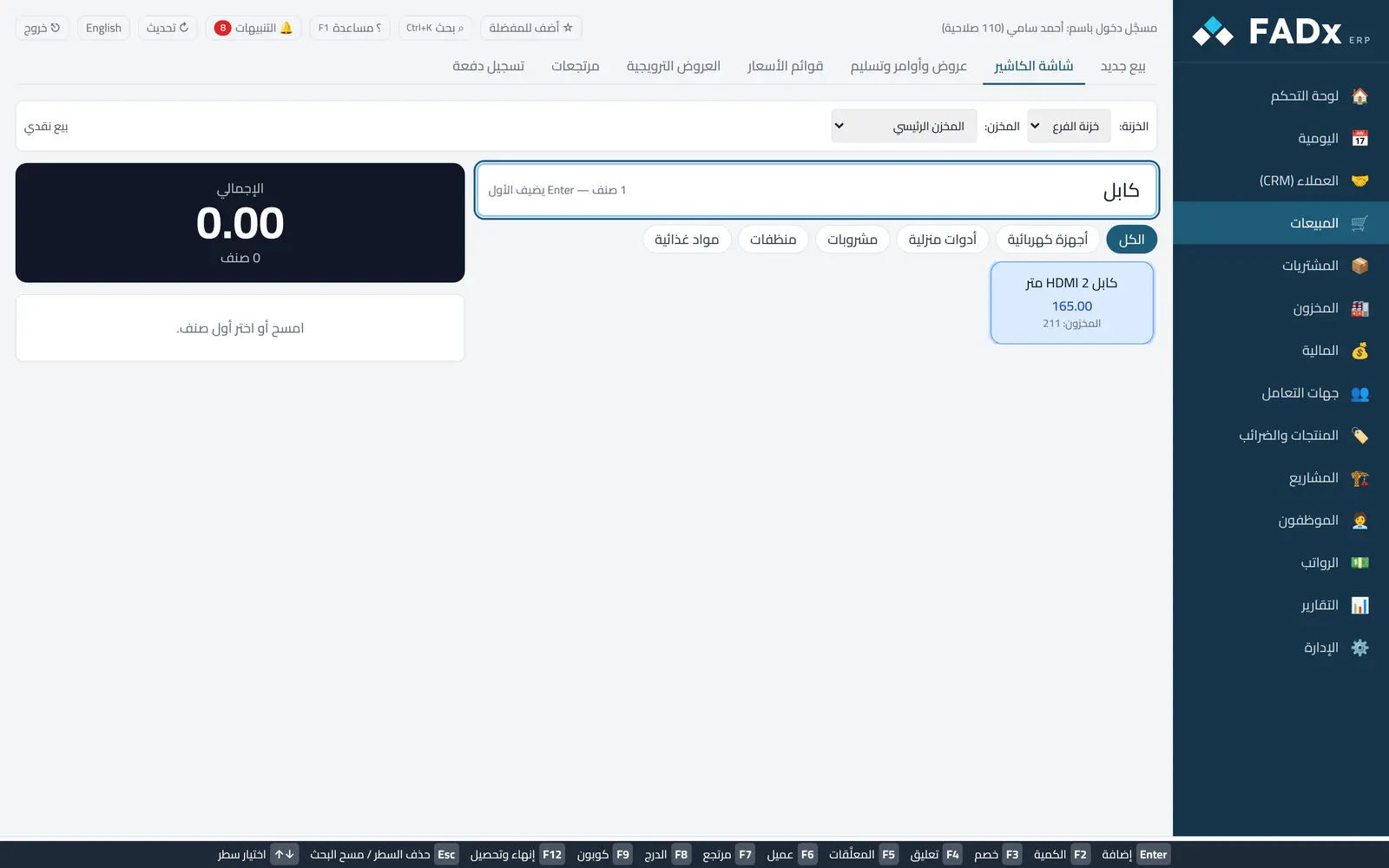
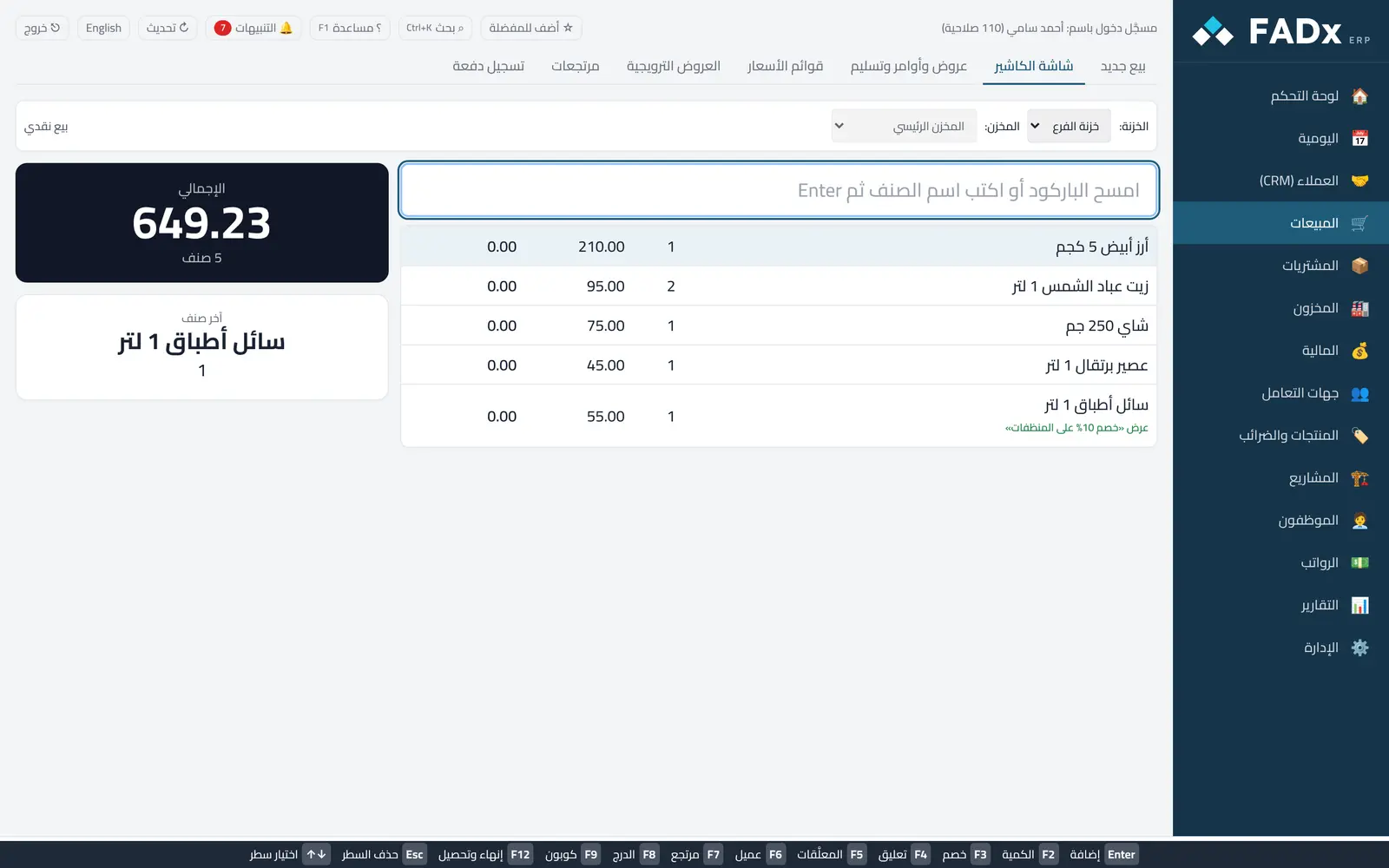
Scan the item (or type its name then Enter) and repeat. F2 changes the selected line quantity, Esc deletes it, and the arrow keys move between lines. Then F12 and enter the amount paid — the change due shows in large type.
- 2
Product grid and search by any letter
Products show as tiles with price and stock, split by category. Type any part of the name or code and the grid narrows instantly; click a tile to add it. Esc clears the search.
- 3
Hold a sale
F4 and give it a short name (the customer forgot something), then start another sale. F5 lists the held sales so you can resume any of them.
- 4
A return
F7 and scan the invoice number, then enter the returned quantities — the return records and the amount is refunded from the till.
Messages you may see — and what to do
- "No open cash session"
Open the cash session with its opening float under Finance → Cash sessions first.
- "Paid is less than the total"
The payment lines must equal the total to the last unit; change is given from cash only, never from the card.
- Discount (F3) and opening the drawer manually (F8)
Both need permission; a failed drawer open is only a warning and the sale stands.
Question not covered here? Message us on WhatsApp and we will answer.
Ask on WhatsApp