
Chapter 13
Quotations, sales orders & delivery notes
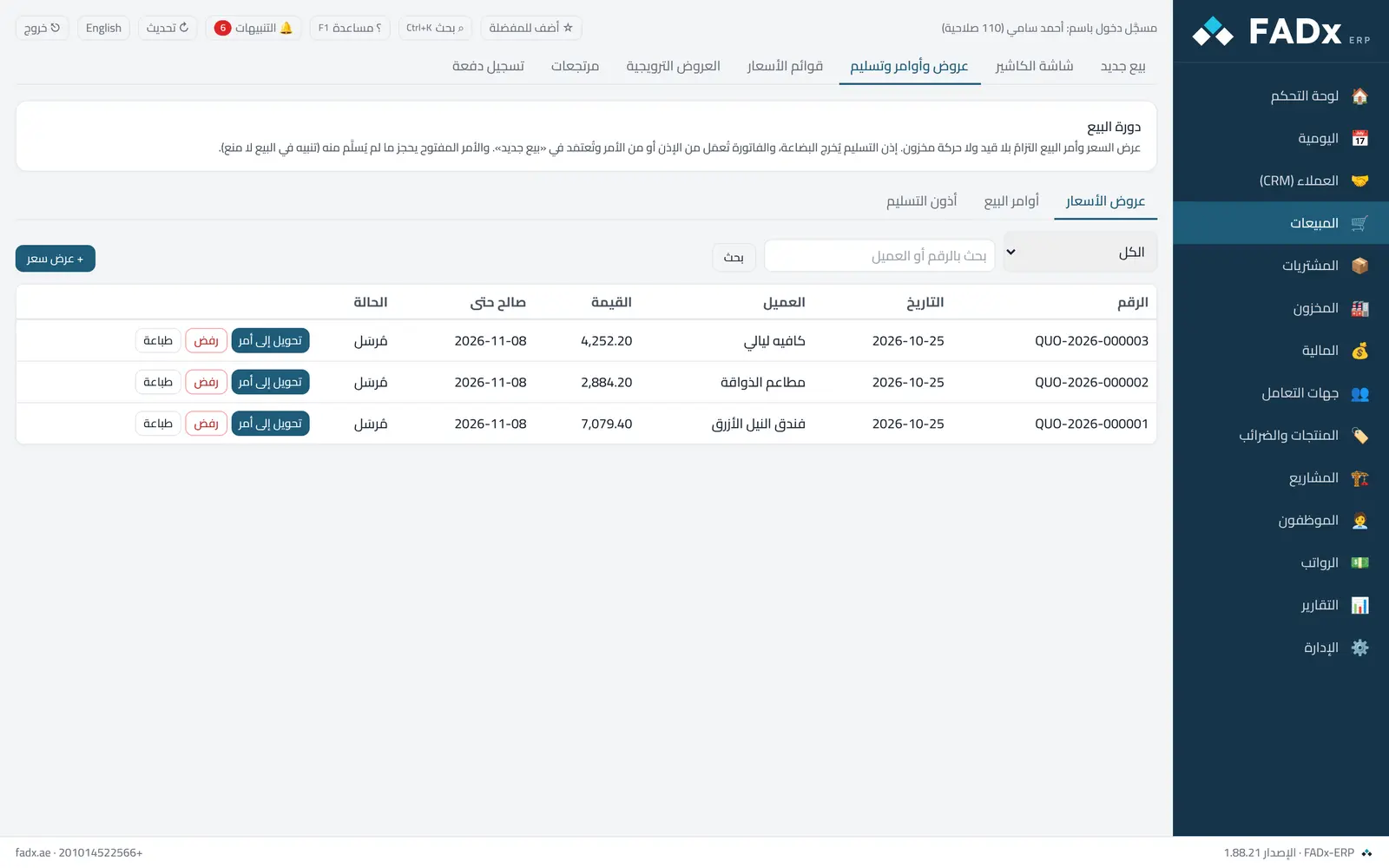
Selling starts before the invoice: a quotation for the customer → a sales order when they agree → a delivery note when the goods leave → an invoice. A quote and an order are commitments only: no journal entry and no stock movement.
Common workflows
- 1
Quote, then order
"+ Quotation" → pick the customer, the items and a "valid until" date → "Save and send". When the customer agrees: "Convert to order", then "Approve" from the sales orders tab.
- 2
Delivery in stages
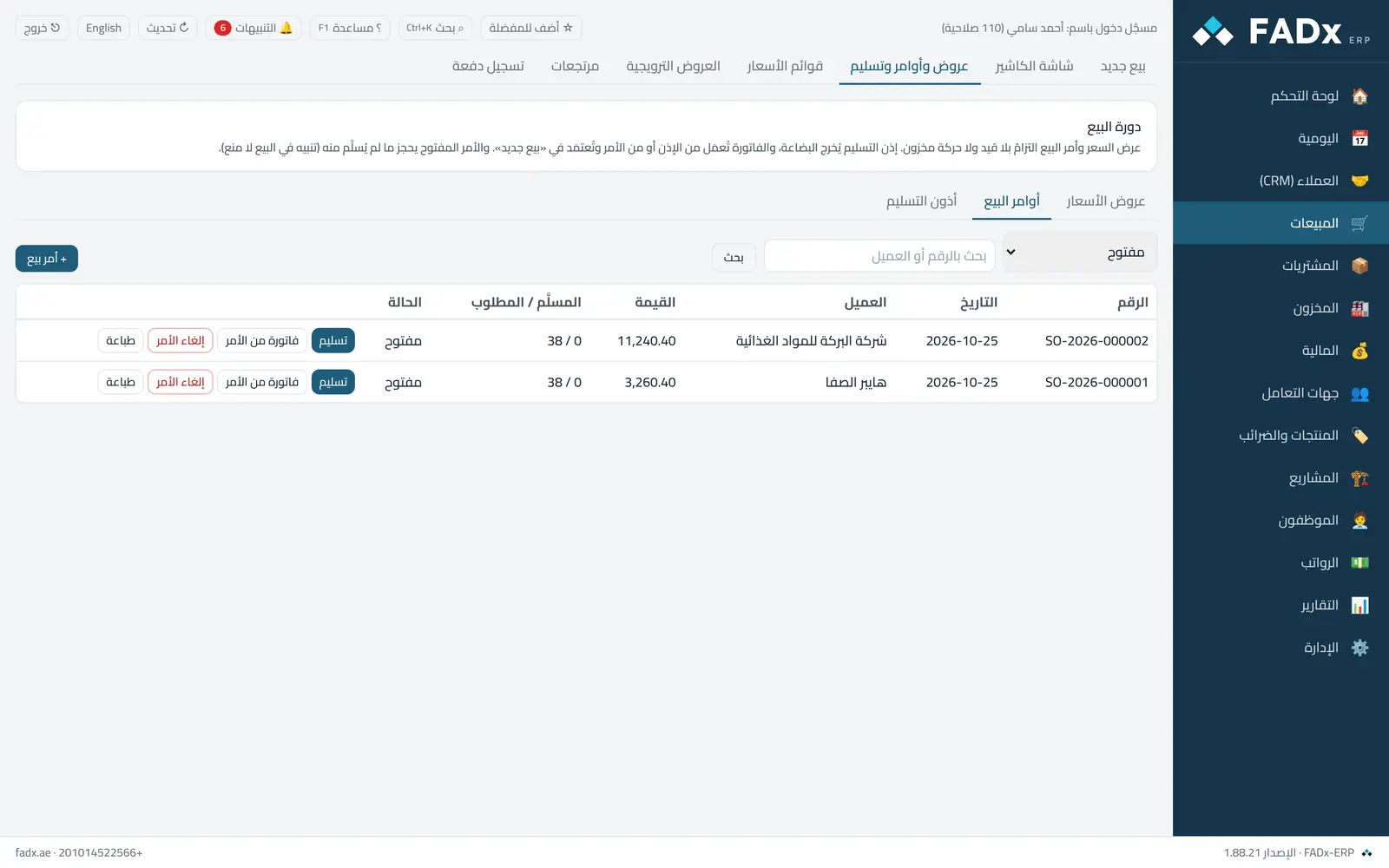
From the open order choose "Deliver" and enter the quantity for each item now; the rest stays on the order until delivered, and the order marks itself "fully delivered".
- 3
Invoicing
From the delivery note choose "Invoice" (the goods do not leave twice), or from the order choose "Invoice from order" and the goods leave as on an ordinary invoice.
Messages you may see — and what to do
- "The quotation has expired"
An expired quote cannot be converted — issue a new one at current prices.
- "Cannot deliver more than ordered"
Delivery comes from what remains on the order. To increase the quantity, raise a new order.
- "Already invoiced from this note"
An invoiced delivery note cannot be reversed — raise a return against the invoice.
- "Enter the reason for the loss"
Rejecting a quote requires a reason — that is what the "quotation loss reasons" report measures.
Question not covered here? Message us on WhatsApp and we will answer.
Ask on WhatsApp