
Chapter 40
Administration & settings
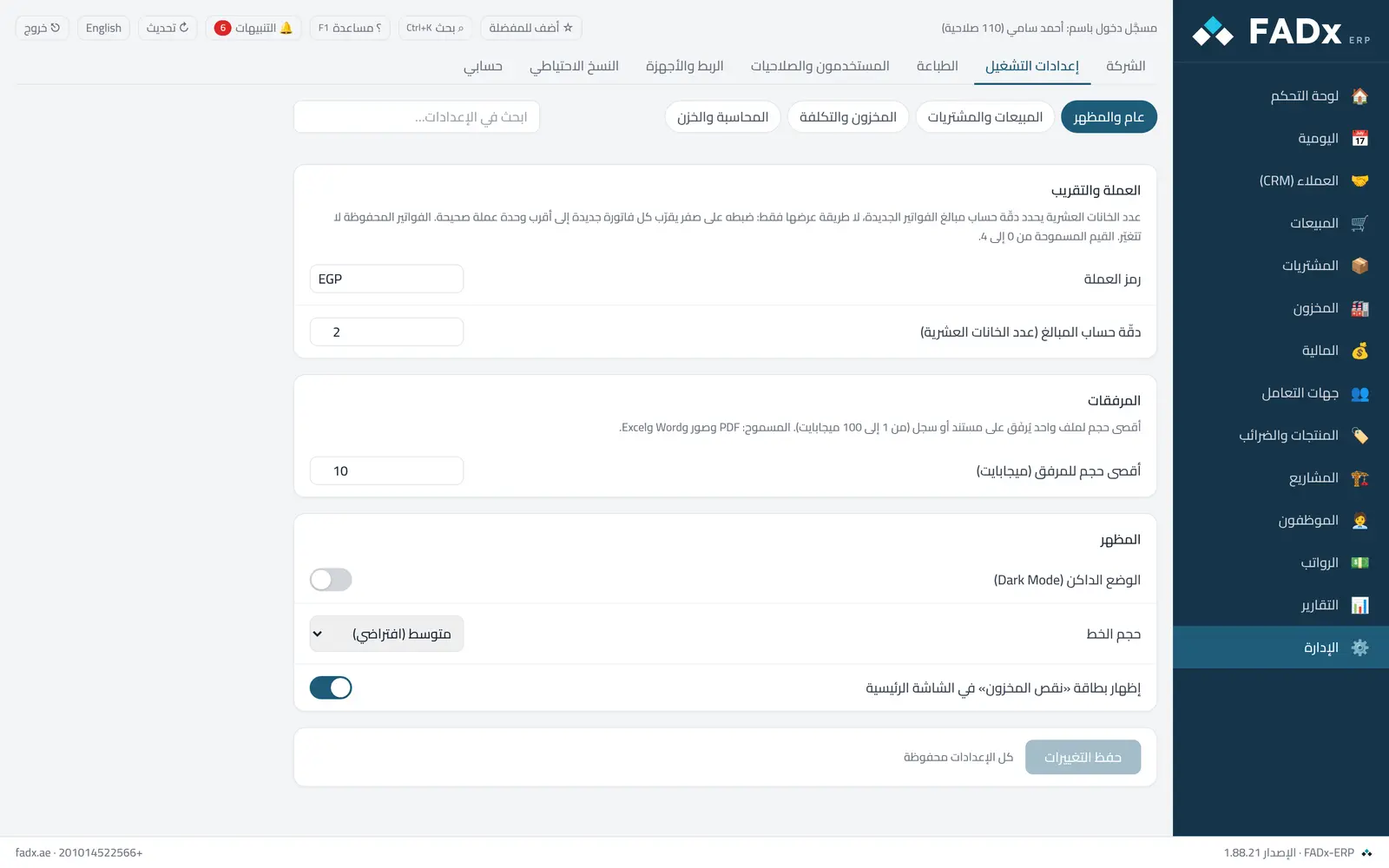
Company details and licensing, operating settings (sales, inventory, accounting and cash), printing, users and permissions, device linking, and backups. Settings are only saved with the "save changes" button.
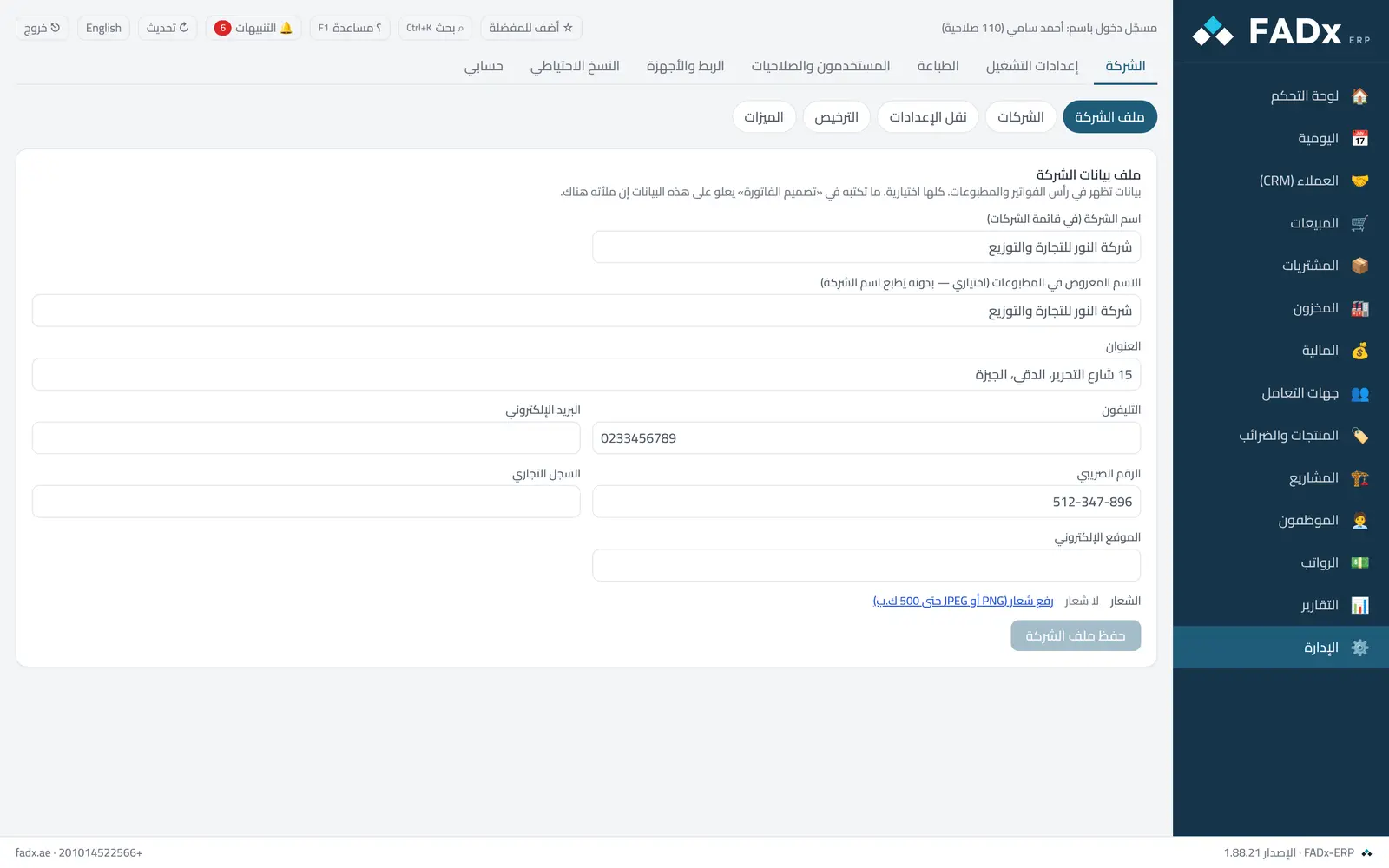
The Features screen hides the modules you do not use so the menus stay simple; picking a business type (retail, wholesale, contracting, services, manufacturing) configures them all at once.
Common workflows
- 1
Account linking
Operating settings → Accounting and cash → "Link accounting accounts" — without linking, operations record with no entry and surface in the ledger integrity check.
- 2
Company shortcuts
Operating settings → "Keyboard shortcuts" — see the "Keyboard shortcuts" chapter.
- 3
A new user
Users and permissions → Add → Roles.
- 4
A backup
Backups → "Back up now", or schedule daily backups to a path you choose.
Messages you may see — and what to do
- "You cannot disable yourself"
A user cannot disable their own account while signed in, nor disable the last administrator.
- Leaving a screen with unsaved changes
The system asks before the change is lost.
- "Cannot change after the first approved document"
The currency and decimal places are fixed after the first approval, because every recorded amount depends on them.
- "The main machine certificate fingerprint has changed"
Device linking is encrypted (HTTPS) and a terminal stores the main machine fingerprint on first link, rejecting any other. If the main machine was reinstalled, unlink the terminal and link it again, matching the fingerprint shown under Linking.
- "Connection is not private" on a tablet, first time
The tablet certificate is specific to this machine, not from a public authority — choose Advanced then Proceed, and the fingerprint for comparison is under the tablet address.
Question not covered here? Message us on WhatsApp and we will answer.
Ask on WhatsApp