
Chapter 29
Bank reconciliation
Import the bank statement (Excel or CSV as the bank provides it) and match its lines against cash movements in the system, then review the reconciliation: from book balance to statement balance to the last unit — unpresented payments and cheques, deposits in transit, and bank charges or credits not yet recorded. Reconciliation changes no balance — except when you create a movement from a bank line yourself.
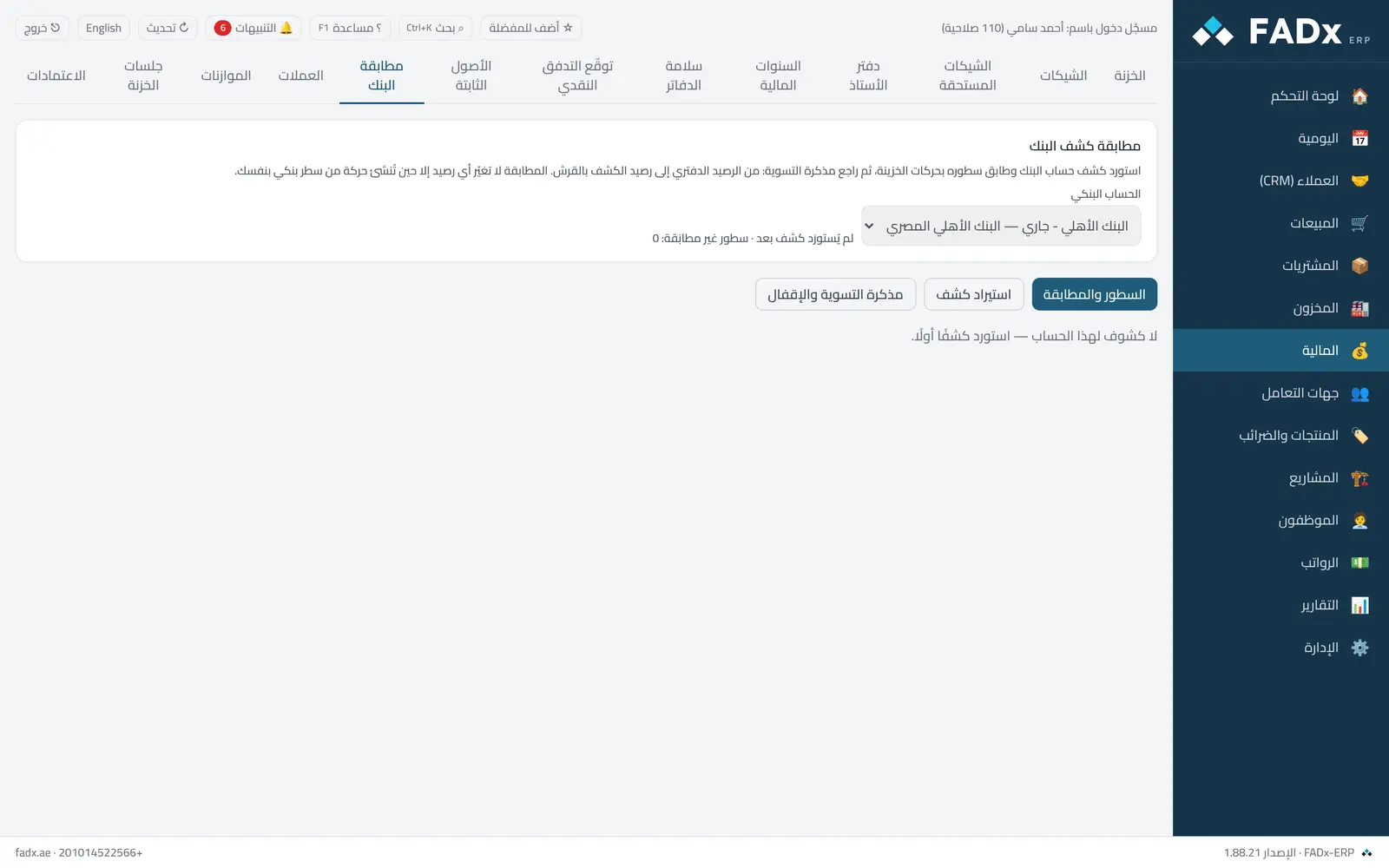
Common workflows
- 1
Import a statement
Pick the bank account → upload the file → map the date, description, reference, debit and credit columns (saved for this bank, so you do it once) → enter the statement date and its opening and closing balances → "Import". Automatic matching runs at once.
- 2
Match the rest
For each unmatched line: "Suggestions" (by amount, cheque number and date proximity), or pick one or more movements by hand (a consolidated deposit), or "Create movement" for bank charges or interest, which then posts an entry.
- 3
Locking
When the reconciliation reaches the statement balance → "Lock reconciliation". Matched movements are flagged and only unlock by reopening the lock with its permission and a recorded reason.
Messages you may see — and what to do
- "Statement is not consistent"
Opening plus the net of the lines must equal the closing balance. Previously imported lines are skipped automatically, so enter the opening balance of the new portion.
- "Opening does not equal the previous statement's closing"
Statements are continuous; import any missing statement in between first.
- "Selected movements do not equal the line amount"
Matching is to the last unit, and in one direction (a bank credit matches a receipt, a debit matches a payment).
- "Inside a locked reconciliation"
Reopen the most recent lock first, with the reconciliation permission and a written reason.
- "Unexplained difference"
It does not occur in normal use; if it appears something is wrong, and locking is refused until it is explained.
Question not covered here? Message us on WhatsApp and we will answer.
Ask on WhatsApp