
Chapter 24
Item labels & barcodes
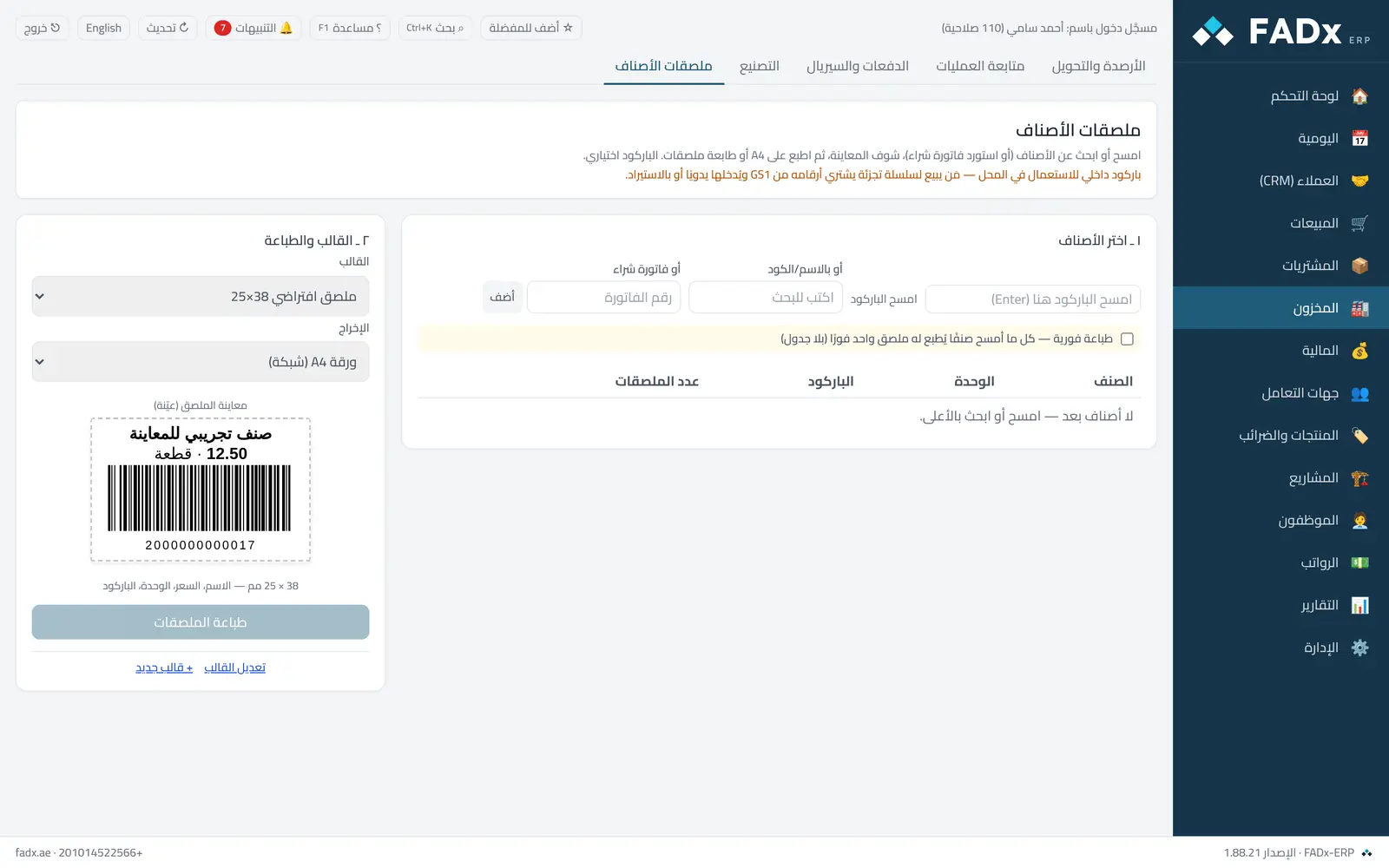
Print item labels (name, price, unit, code and barcode — whatever the template includes) on A4 with an ordinary printer or on a label printer. The barcode is optional: an item without one prints a label without it and works in sales and purchasing as before. The screen offers: a live label preview that changes instantly with the template and item, instant printing on scan (one label per scan, no table), a two-step layout, and a collapsible template editor.
Common workflows
- 1
The live preview
The preview on the left reflects the template and item at once — you see the label before printing a sheet.
- 2
Instant printing on scan
Switch on “instant printing” so one label prints per scan directly, with no table in between.
- 3
Edit the template
“Edit template” opens a collapsible editor, and the preview reflects its changes live.
- 4
Labels for a received purchase invoice
Enter the invoice number and press "Add" — every item is added at its line unit with a label count equal to the quantity, then "Print labels".
- 5
Labels for specific items
Search by name or scan the barcode, and pick the unit (a carton barcode differs from a piece barcode) and the label count.
- 6
The label template
"+ Template" or "Edit template" → the size (standard or free in millimetres) and what prints. The template is saved and reused.
Messages you may see — and what to do
- "Generation will not overwrite without explicit confirmation"
The "generate" button for a unit asks for confirmation first, because labels already printed with the old code will no longer scan.
- "The barcode is used by another unit"
A barcode is unique across the whole company.
- A note on GS1
A generated barcode is internal to your shop — anyone selling to a retail chain buys their EAN numbers from GS1 and enters them manually or by import.
Question not covered here? Message us on WhatsApp and we will answer.
Ask on WhatsApp