
Reports
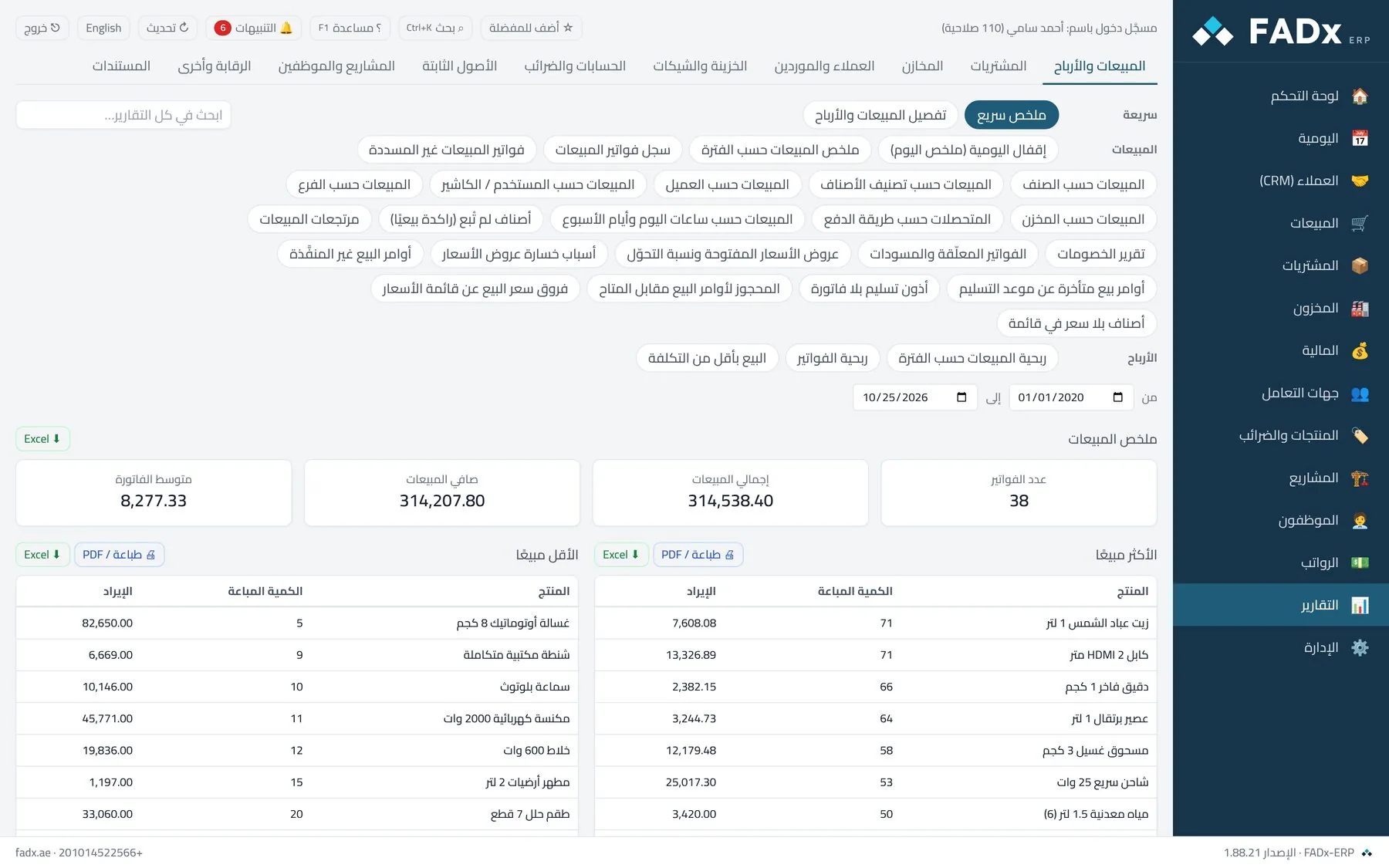
What you get
Sales & profit
By item, customer, branch, rep and hour.
Inventory
Balances, movement, slow-moving stock and expiry.
Customers & suppliers
Statements, ageing and overdue accounts.
Accounts
Income statement, balance sheet and cash flows.
Employees
Payroll, advances and leave.
Audit
User activity and cancelled documents.
In the product guide
The screens explained step by step with screenshots, and the messages you may see.
Chapter 5 Dashboard Your day summarised in one place: today's sales, what was collected, open invoices, items nearing depletion, and quick buttons for what you do most. The buttons can be re-ordered by dragging, and the order is yours alone. Chapter 39 Reports Reports are grouped by area: sales, purchasing, inventory, customers and suppliers, treasury, accounts, fixed assets, projects and audit. Inside each section, groups follow the order of work in a side list — summaries first, then registers, analysis and follow-up. Each report has its own filters and prints or exports to Excel.
Other modules
Point of Sale & Cashier A complete sale on keyboard and barcode — in seconds Sales & Orders The full cycle — from quote to collection Purchasing & Supply From supplier quote to landed cost Inventory & Stocktaking Know what is on the shelf — in every branch Manufacturing & Work Orders Bills of materials and work orders at actual cost Accounting & Ledgers Books that are always ready — with no manual entry
Try it free on your own data
Request a free trial and we will set the system up on your own business, with your own data — not a demo dataset.