
Promotions & Price Lists
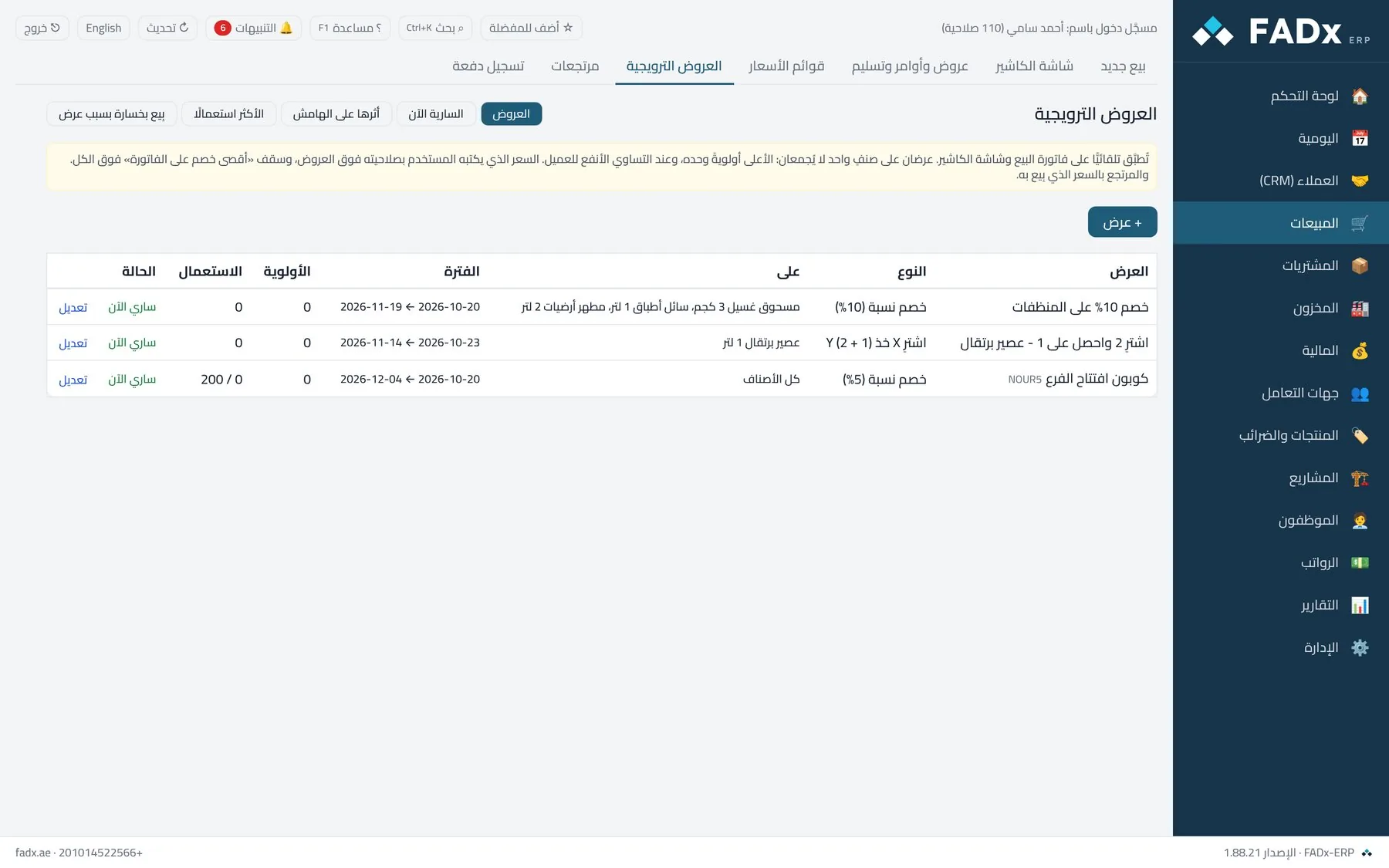
What you get
Four types
Percentage, fixed amount, special price, and buy-X-get-Y.
On your schedule
Start and end dates, specific days and hours — a weekend promo or a happy hour.
Discount ceiling
No promotion exceeds the limit you set, so you never sell at a loss unknowingly.
Coupons
A code with a usage count, plus minimum quantity or invoice total.
Price lists
Wholesale, retail and key accounts, with effective dates and copy-with-markup.
Promotion report
How much each promotion sold, what it cost, and which is worth repeating.
In the product guide
The screens explained step by step with screenshots, and the messages you may see.
Chapter 14 Price lists Keep more than one price for the same item: a wholesale list and a retail one, with prices that step by quantity and by unit. The price on a sales line is chosen automatically in this order: the customer's list → the default list → the item price. Chapter 15 Promotions & coupons Create promotions that apply automatically on the sales invoice and the cashier screen: a percentage discount, a fixed amount per unit, a special price, or buy-X-get-Y — with start and end dates, specific days and hours, a minimum quantity or invoice value, limited to a price-list group, or unlocked by a coupon.
Other modules
Point of Sale & Cashier A complete sale on keyboard and barcode — in seconds Sales & Orders The full cycle — from quote to collection Purchasing & Supply From supplier quote to landed cost Inventory & Stocktaking Know what is on the shelf — in every branch Manufacturing & Work Orders Bills of materials and work orders at actual cost Accounting & Ledgers Books that are always ready — with no manual entry
Try it free on your own data
Request a free trial and we will set the system up on your own business, with your own data — not a demo dataset.