
What you get
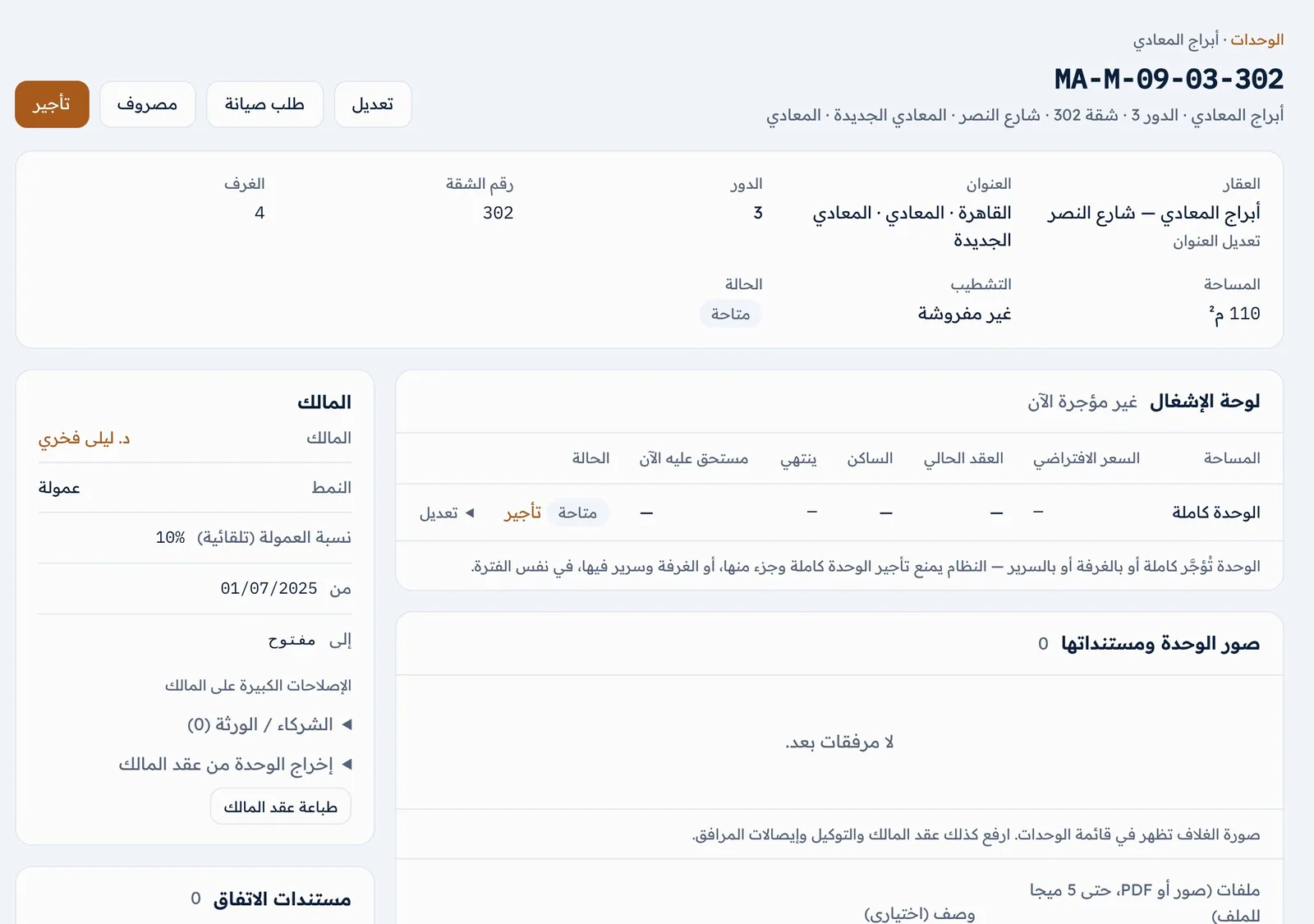
Structured address down to the flat
Governorate → city → district → block → building → floor → flat, with a unit code built from the address, so you search and filter by area instead of hand-typed names.
Every kind of unit
Flats, studios, duplexes, roofs, villas, chalets, shops, offices, clinics and stores — let whole, by the room or by the bed.
Owners and agreement type
Each unit has its agreement — managed on commission, or leased by the agency and sub-let — and the owner’s due and agency profit follow from it.
Leases, collections and arrears
Activating a lease creates all its charges, payments settle the oldest first, and arrears show by age with a WhatsApp reminder.
Maintenance and inventory
Maintenance jobs with their technician, cost and who bears it; an asset list per unit and handover records.
Reports for the manager
Occupancy and vacant units, collected and overdue, agency profit, commissions and deposits held.
How it works
User guide PDF · 5.2 MB · Arabic- 1 Register your agency at rent.fadx.ae and confirm by email.
- 2 Add buildings, units and owners by hand, or upload them at once from Excel.
- 3 Create and activate leases; charges are generated and follow-up begins.
- 4 Watch the dashboard: occupancy, collections and what needs action today.
Common questions
Is it for a property company or a small agency?
Both. Every plan has unlimited users; plans differ in active leases and attachment space.
Can I bring my data from Excel?
Yes. From Settings you download an Excel template for clients, owners or units, fill it and upload; any row with an error is shown before saving.
Does it work on a phone?
Yes — the interface is built for phones and installs on the home screen from the browser.
More in FADx Rent
Try FADx Rent in your agency
30 days free with every feature — register in a minute.
See the whole product